Note: If a fan rattles (or vibrates), you should replace it with a new one because it might eventually
damage the hard drives.
5.1.5 Lid Closing
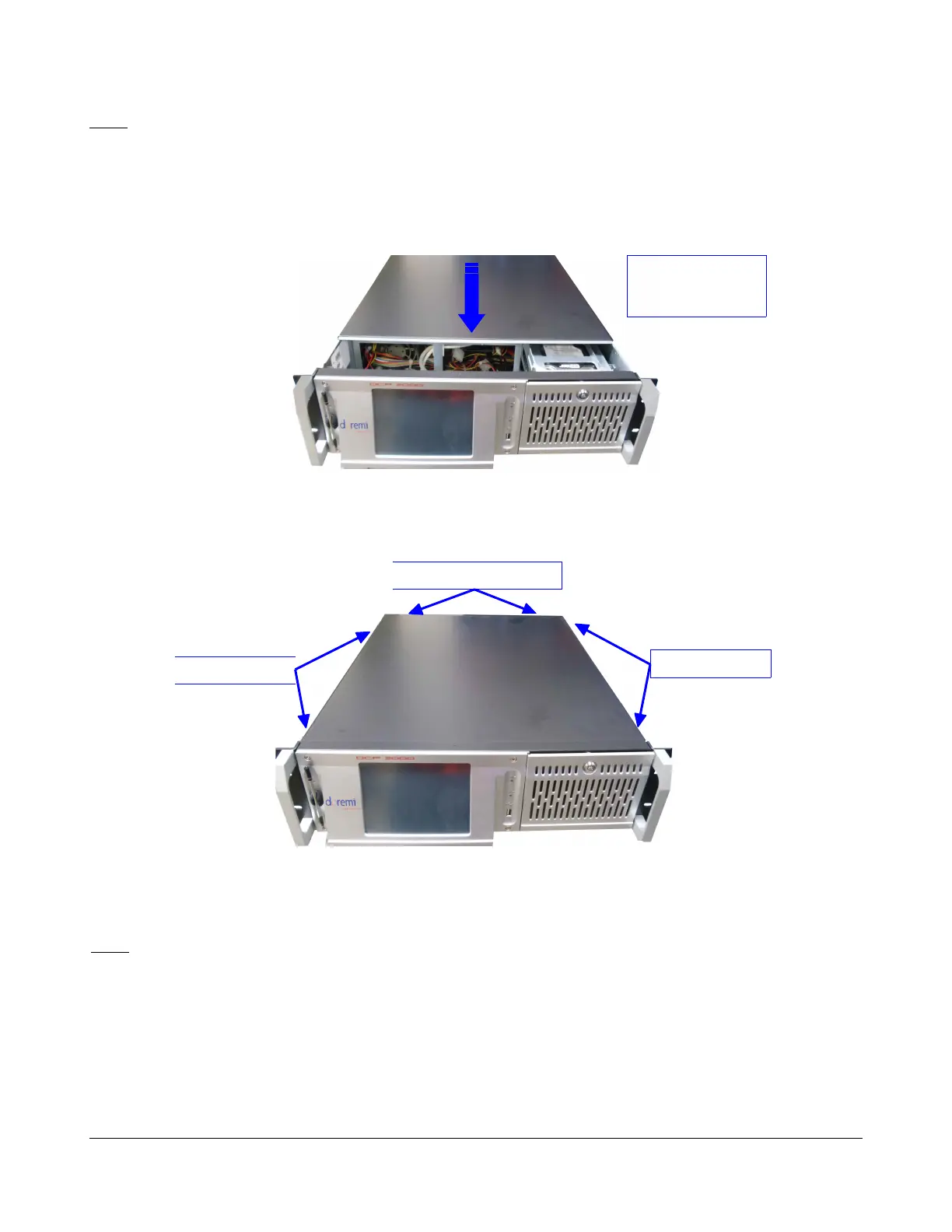
• When the previous steps are completed, the lid can be closed by sliding it from the rear panel
to the front side. Make sure the wires are not caught by the lid.
Figure 20: Lid Closing
• Tighten the six black screws that were removed at the beginning of the procedure as
presented below:
Figure 21: Lid Screws
• The unit can be put back into its rack and re-connected to the power.
Note: You might have to reconnect all the cables that were disconnected at the beginning of this
procedure.
D2K.DP.000255.DRM Page 19 Version 1.6
Doremi Cinema LLC
Slide the cover to
the front side of
the chassis
Rear Panel Screws
Side Screws
Side Screws



 To Next Page