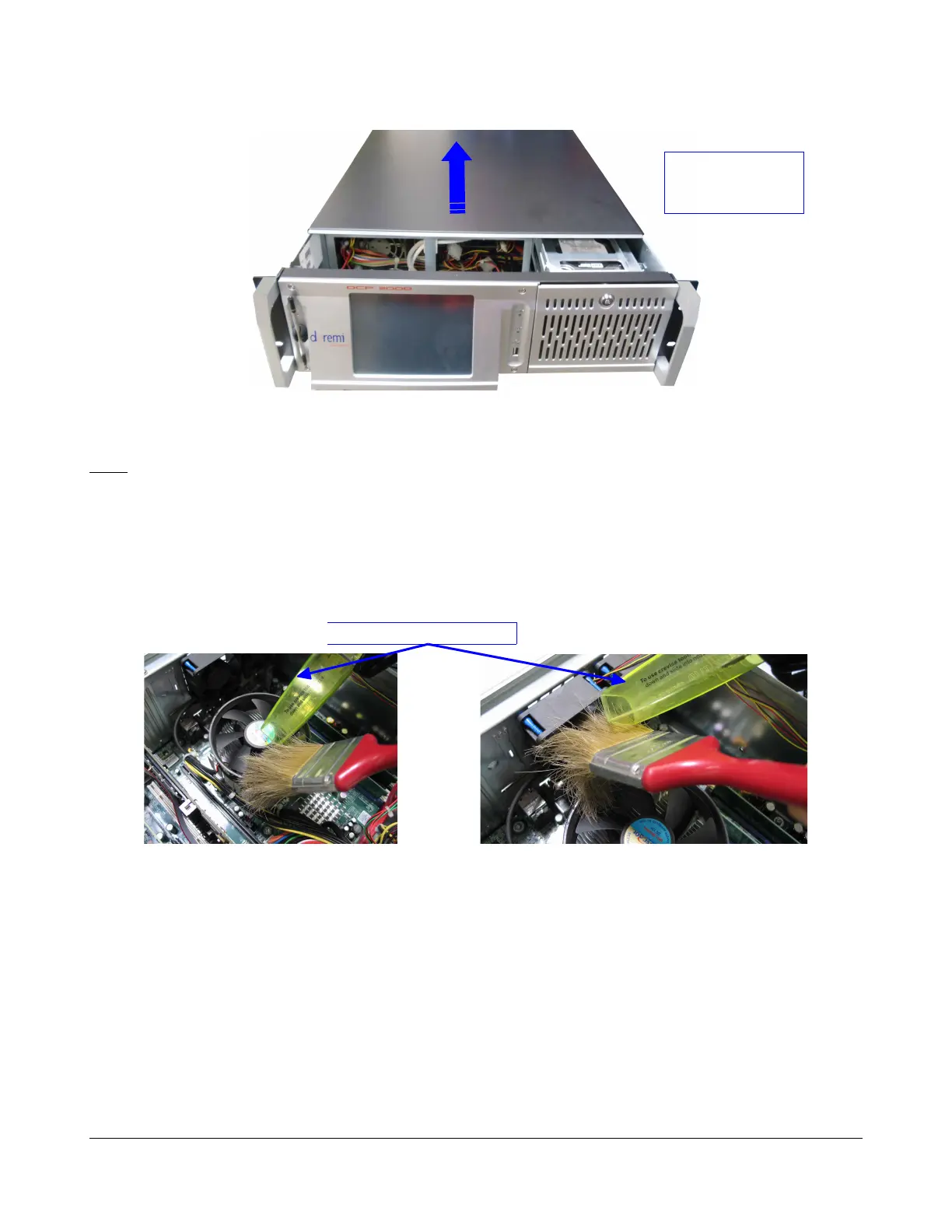
Figure 6: Lid Removal
Note: Make sure to keep the six black screws in a secure location as they are needed to re-attach the
lid at the end of this procedure.
5.1.2 Dust Removal
Follow the procedure below and use the soft brush and small vacuum cleaner to remove the dust from
the unit.
1. Remove the dust from the CPU fan and from the 2U rear panel fans as illustrated below:
Figure 7: CPU Fan Dust Removal Figure 8: 2U Rear Panel Fans Dust Removal
D2K.DP.000255.DRM Page 14 Version 1.6
Doremi Cinema LLC
Vacuum Cleaner Nose
Slide the cover to
the rear side of
the chassis



 To Next Page