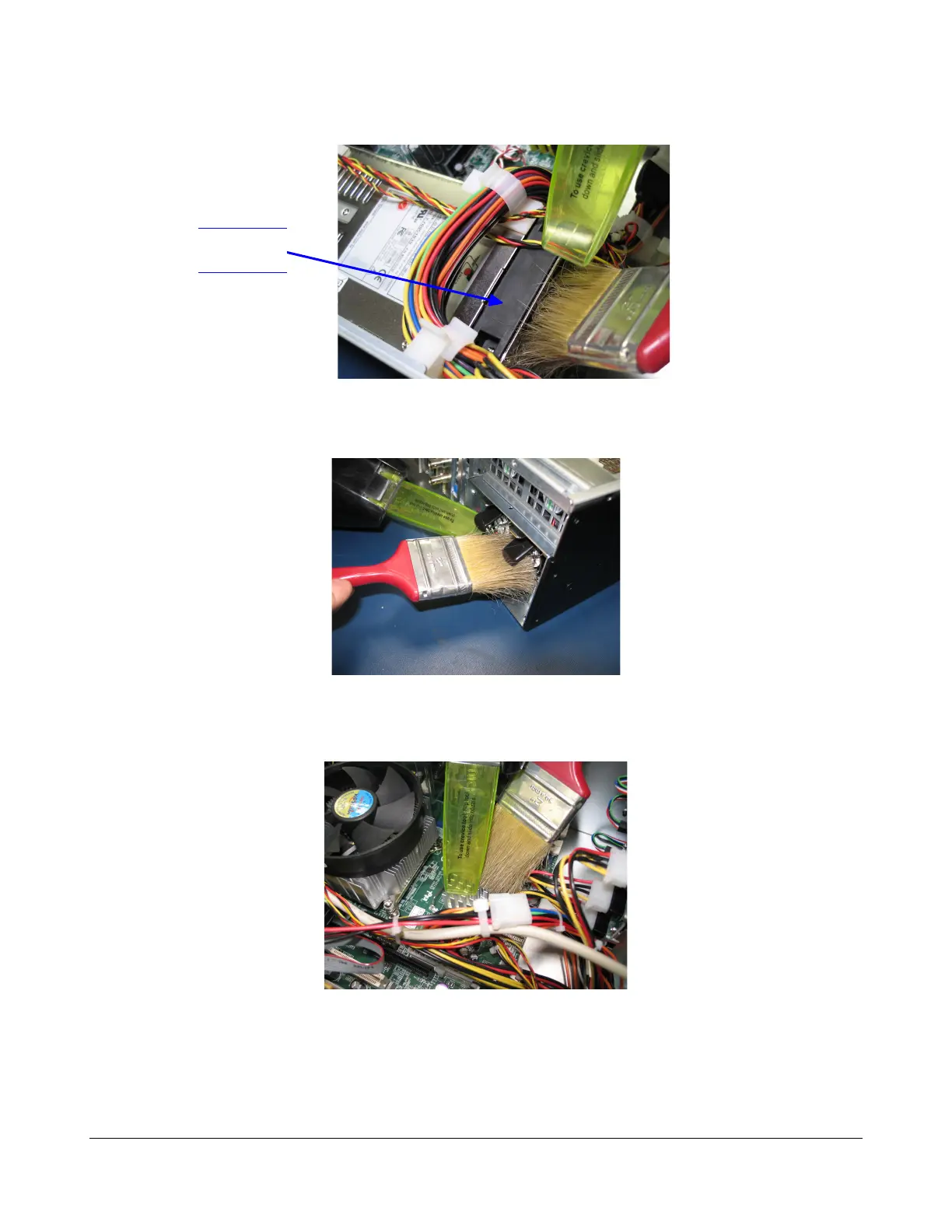
2. Remove the dust from the PSU big fan as illustrated in Figure 9.
Figure 9: PSU Big Fan Cleaning
3. Remove the dust from the rear panel external PSU fan as illustrated in Figure 10.
Figure 10: PSU External Fans Cleaning
4. Remove the dust from the motherboard Northbridge heatsink (silver heatsink) as seen in
Figure 11.
Figure 11: Motherboard Northbridge Heatsink Cleaning
5. Clean the Dolphin fan that is mounted using a plastic tunnel. To do this, unscrew one leg of
the plastic tunnel as presented in Figure 12 below.
D2K.DP.000255.DRM Page 15 Version 1.6
Doremi Cinema LLC
PSU Big
Fan



 To Next Page