English
Note! Zoom may reduce picture quality.
For more camera settings, see Camera settings, p.33.
Video camera
To get sharp videos, wipe the lens clean with a dry cloth.
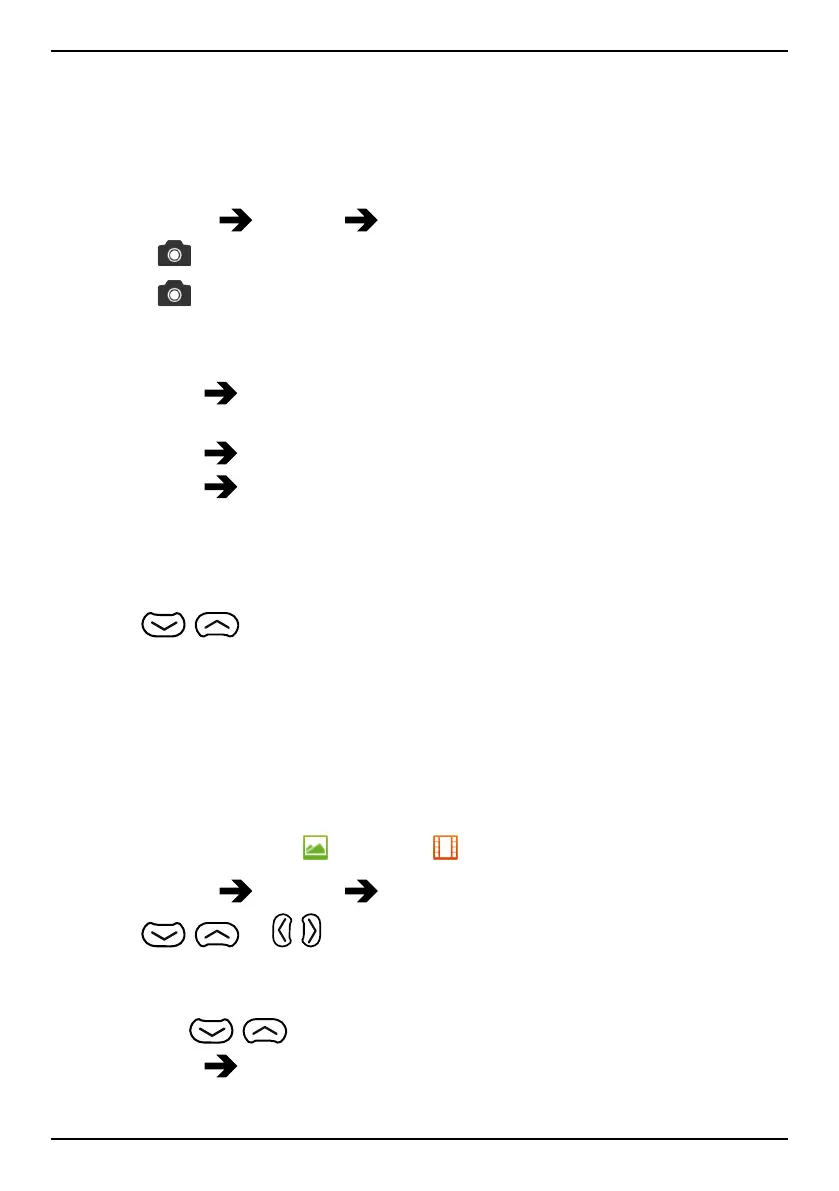
1. Press Menu
Camera Video camera.
2. Press
to start recording.
3. Press
to stop recording. Select Yes to save.
4. Press Options:
• Play
• Send
Send by MMS, see Create and send picture message
(MMS), p.22.
• Send
Send by e-mail, see Create and send e-mail, p.23.
• Send
Send by Bluetooth, see Bluetooth
®
, p.34.
• Delete to delete. Press Yes to confirm or No to return.
5. Press Back to return.
Video camera adjustments
• Use
/ to zoom in and out.
• Use the side buttons +/– to adjust EV/Light sensitivity.
• Use Lamp to switch the lamp on or off.
Note! Zoom may reduce video quality.
For more video camera settings, see Camera settings, p.33.
Picture gallery and Video gallery
View your saved pictures or videos .
1. Press Menu
Camera Picture gallery or Video gallery.
2. Use
/ or / to select a picture or video.
3. Press Options:
• View for single view. Press Back to return.
Use
/ to play and stop the video (video only).
• Send
Send by MMS to send as picture message. See Create
and send picture message (MMS), p.22.
32



 To Next Page