English
Get to know your phone
Assistive functions
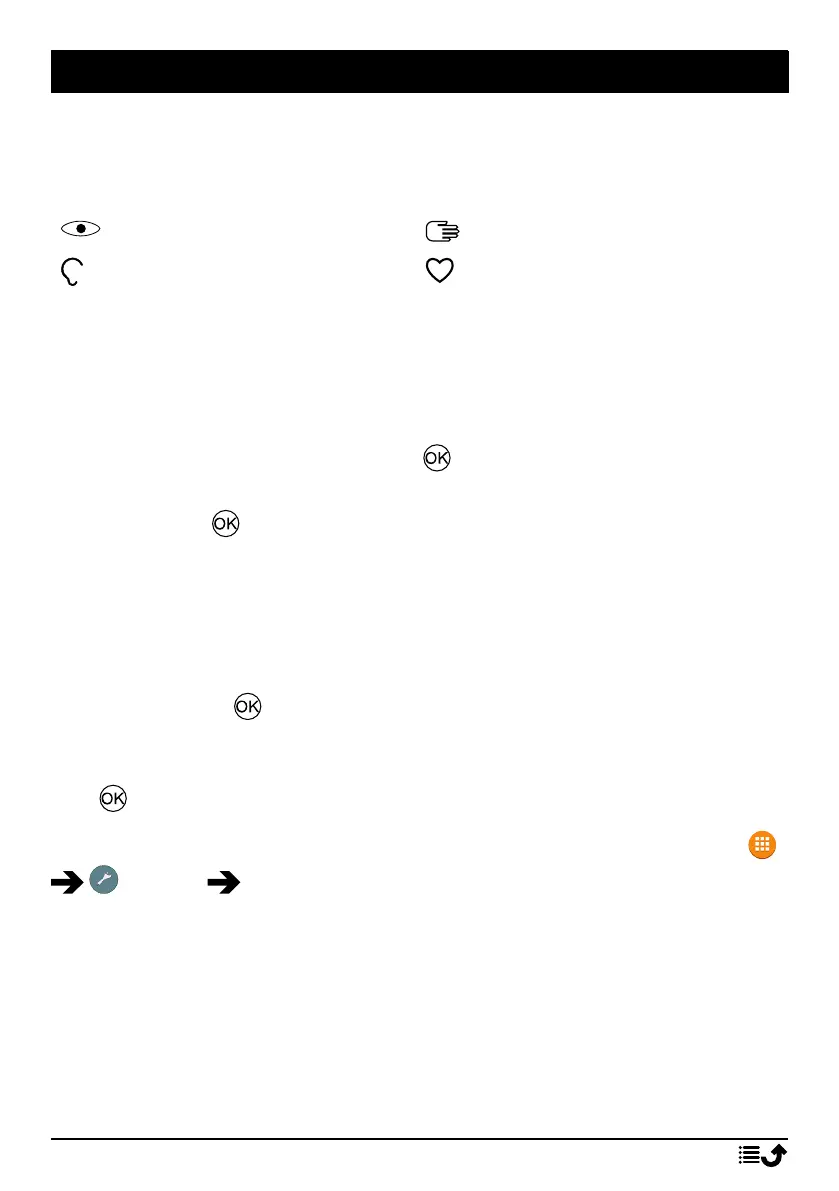
Use the symbols below to guide you through supporting sections in the
manual.
Seeing
Handling
Hearing
Safety
Start-up Wizard
When starting the device for the first time, a Start-up Wizard will be initi-
ated to set some basic settings.
1. Select the wanted language, the standard language is selected by the
origin of the SIM card, and press .
2. You will be provided a tutorial about the navigation of the phone.
Press Next/ to step through the tutorial. Press Skip to skip pass the
tutorial. Press to step backward.
3. Select:
• Standard setup to use the phone with the standard settings.
• Manual setup to customise the settings.
You can choose to adjust one or more settings by selecting and
pressing .
Select Finish when done.
4. You will be provided a short tutorial of the phone’s menu. Press Next/
to step through the tutorial.
Tip: Launch the start-up wizard at any time. From standby mode, press
Settings Start-up Wizard.
External display
The external display shows the time, a number of status indicators, and no-
tifications for calls, messages, etc. If the external display times out, press
and hold any of the side keys +/– to turn it back on.
Phone indicators
Lights on the phone lid:
6



 To Next Page