English
Calls
Set Open to answer to on to answer incoming calls by opening the
phone.
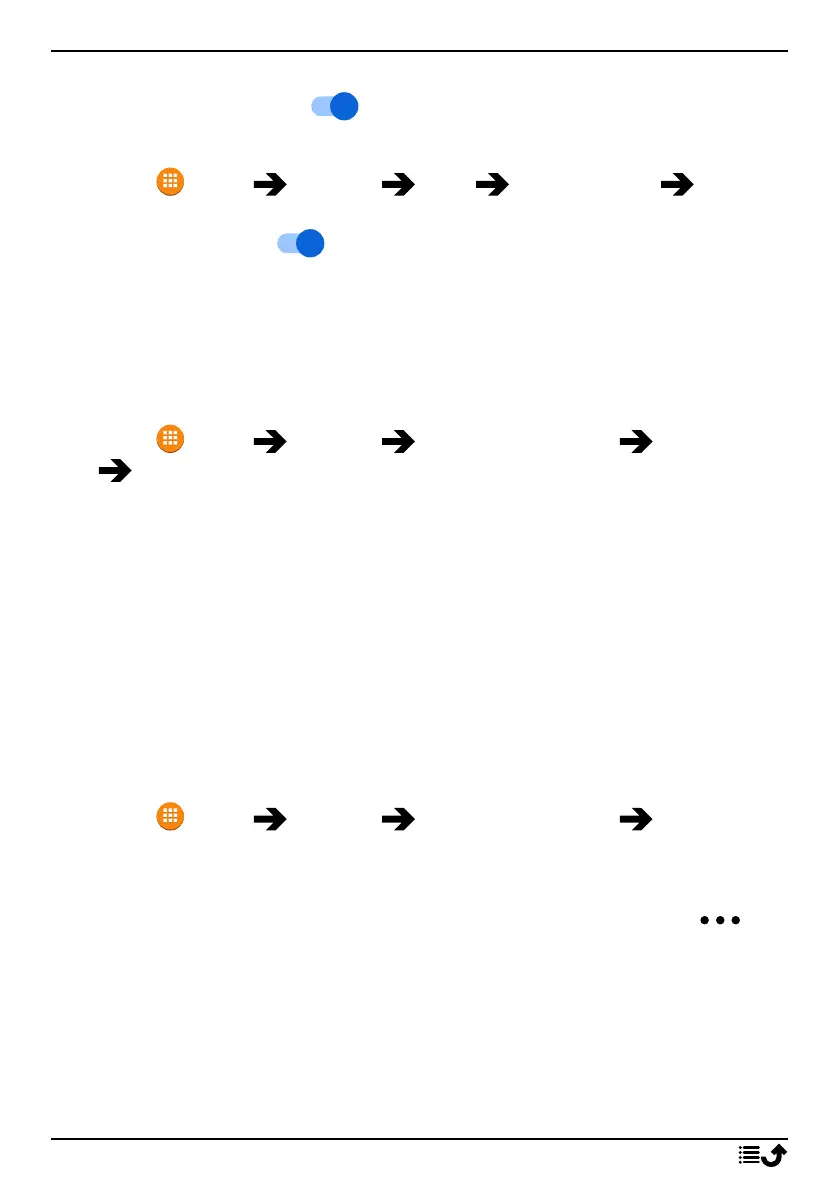
1. Press Menu Settings Calls Answer mode Open to
answer:
2. Enable the switch to answer incoming calls by opening the
phone.
Security & location
Passwords
Change phone code
1. Press Menu Settings Security & location Passwords
Phone code.
2. Enter current code and press OK.
3. Enter new code and press OK.
4. Confirm new code and press OK.
Note! The default phone code is 1234 and is used for e.g. resetting the
phone.
Screen lock
The phone lock protects your phone from unwanted usage. When the
phone is locked, the selected unlock method is needed. If PIN is selected,
you also need to enter the PIN after restart of the phone.
1. Press Menu Settings Security & location Screen lock.
2. Select the type of lock you want:
• None: no lock. This option gives no security.
• Keypad lock: to unlock by first pressing the Options key
then
*
. This option gives very limited security.
• PIN: to unlock you type a PIN. A PIN consists of numbers only. En-
ter four numbers, and then Next to confirm the PIN. Press OK to
confirm. This option gives medium security.
Automatically lock
The phone automatically locks after the set time period.
60



 To Next Page