English
5. Repeat steps 2–4 as necessary.
Calendar
Note! Calendar reminders will not work if the phone is turned off.
Add event
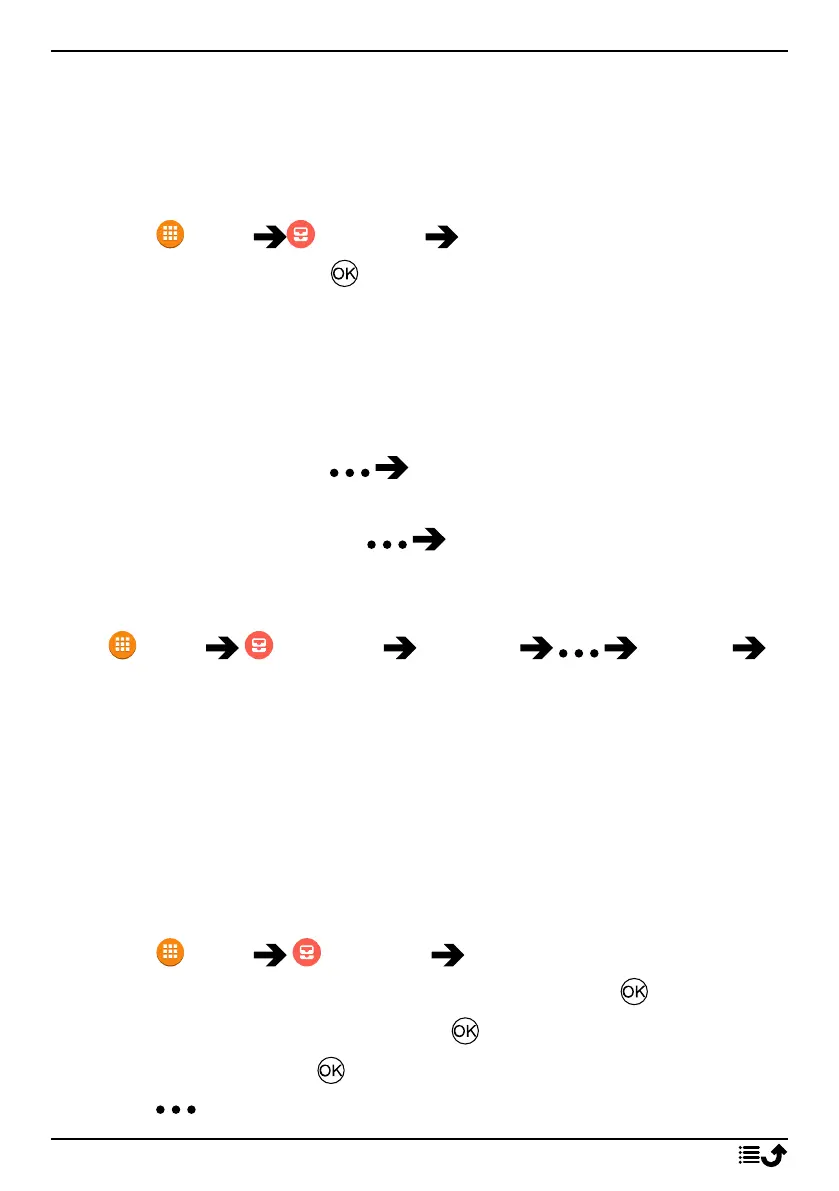
1. Press Menu Organiser Calendar.
2. Select a date and press for the following options:
• View to view events for day.
• New event, then enter your required information:
• Event name to enter a event name and other relevant text.
• Set the date.
• Set the time.
When done, press Done.
• View all to view events for day.
Note! Select an event and press Edit to make changes on an
existing event.
Calendar settings
Press Menu Organiser Calendar Settings
General settings:
• Show week number to display week numbers.
• Week starts on to set the day when the week should start.
• Default reminder time to set how long time in advance of an event
that you should be reminded.
File manager
Manage the contents and properties of files. You can open, delete, move,
copy and rename files.
1. Press Menu Organiser File manager.
2. Select Internal shared storage or SD card and press .
3. Select a folder, e.g. DCIM and press to open it.
4. Select a file and press to open the file.
5. Press to see the available options.
43



 To Next Page