English
• Shuffle all to shuffle all audio files.
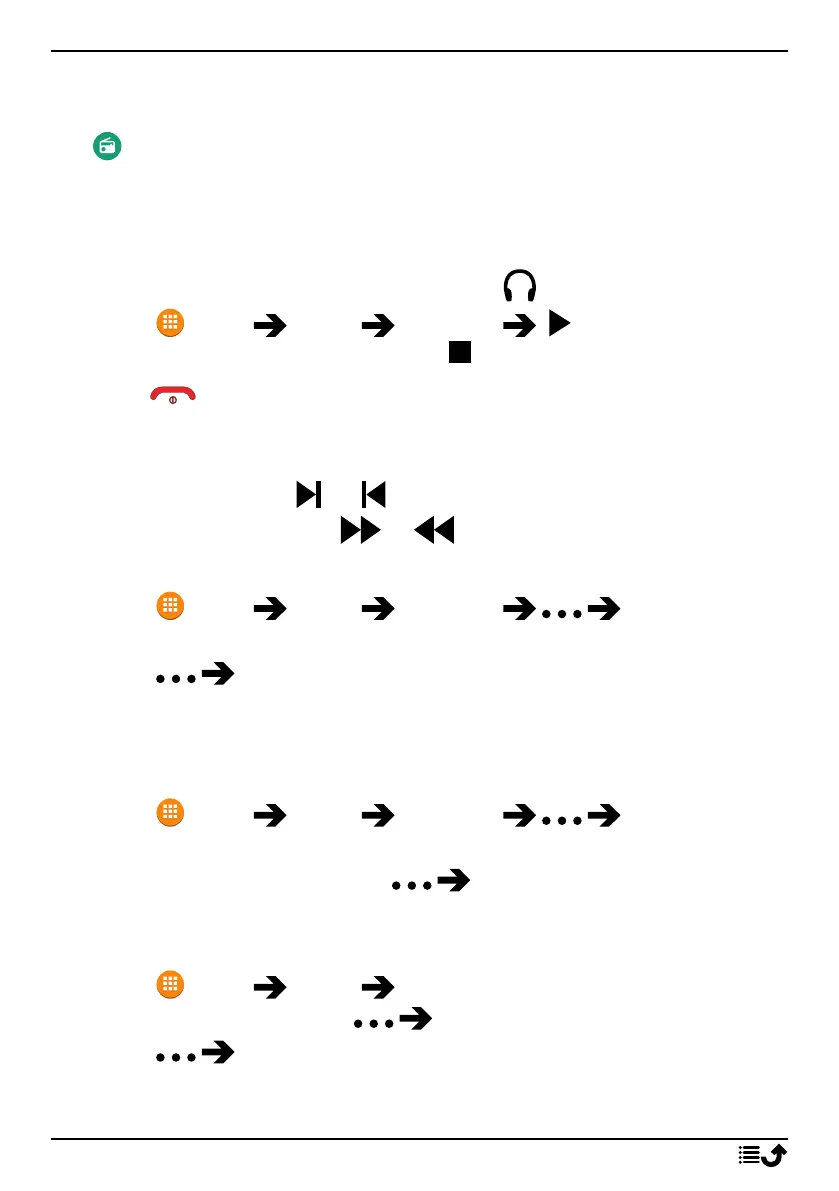
FM Radio
The FM Radio has a frequency range from 87.5 to 108.0 MHz. To listen
to the radio you need to connect a compatible headset that works as
antenna.
Turning the radio on/off
1. Connect a headset to the headset socket
.
2. Press Menu Media FM Radio . The radio is on. The
tuned frequency is displayed. Press to switch it off.
Tip: Press to return to standby mode. The radio will continue to play.
Disconnecting the headset will turn off the radio.
Stations manual search
• Search station with or .
• Fine tune manually with or .
Radio Stations
1. Press Menu Media FM Radio Radio Stations.
2. The phone will automatically search for available radio stations.
3. Press Refresh to again search for available radio stations.
4. Select the station you want to listen to.
Loudspeaker
1. Press Menu Media FM Radio Loudspeaker.
2. Use volume keys to adjust the sound volume.
3. To turn off the speaker, press Headset.
Favourites
1. Press Menu Media FM Radio.
2. Select a station and press Add to favourite.
3. Press Favourites to see your favourites.
38



 To Next Page