English
Doro's unique telephone menu is action-based, that makes navigating the
phone brilliantly simple. It allows you to navigate your phone, by just ask-
ing yourself, “What do I want to do?”.
For example, if you want to send a message to a contact that is available in
your contact book.
1. Tap the Send button. You are asked, Send What? and responds by se-
lecting A message.
2. You are asked To whom? and responds by selecting A contact.
3. Select or search for a contact.
4. Compose your message.
5. Press to access more options.
6. When done, select and press .
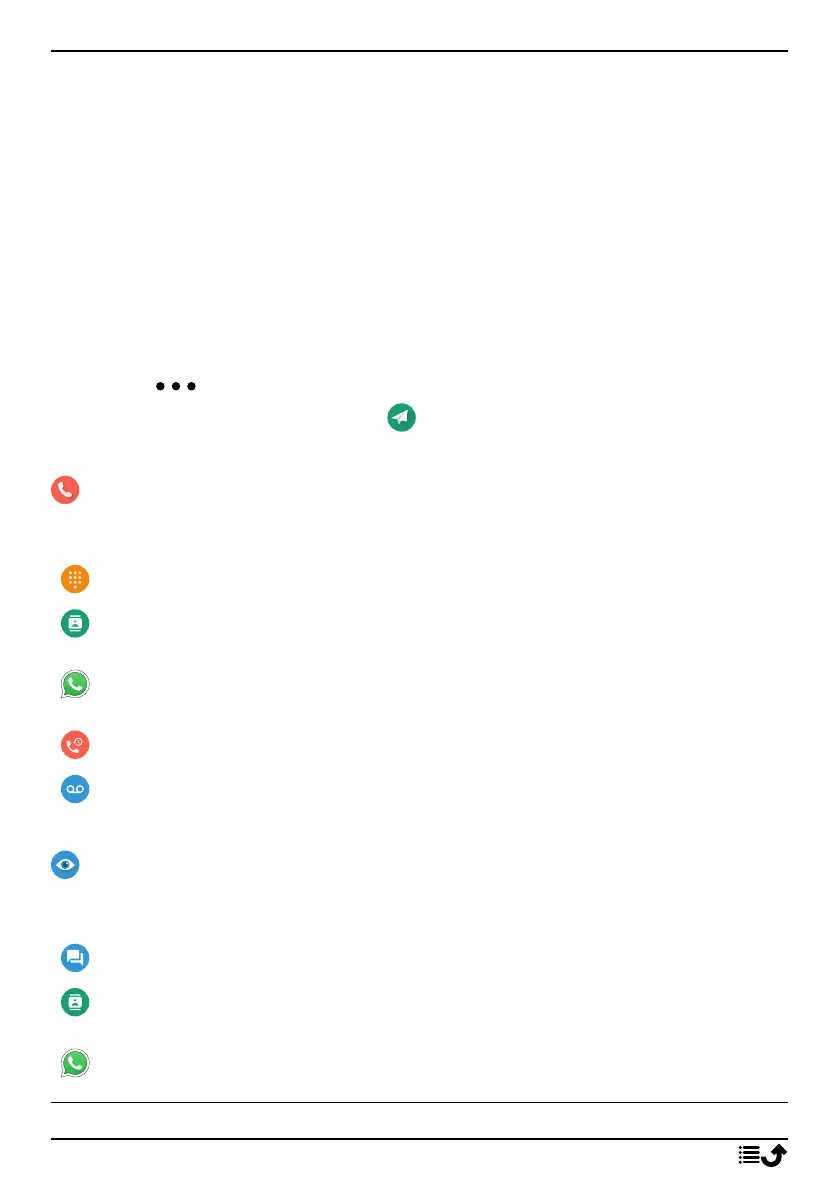
Call
To call someone.
A number to enter a phone number, see Calls, p.15.
A contact to make a call from your contact book. For more info see
Contacts, p.21.
A WhatsApp contact to make a call to a WhatsApp contact . For more
info see WhatsApp, p.34.
A recent contact to call from the call history, see Call history, p.16
My voicemail to call your voicemail, see also Set Voicemail, p.20.
View
To see and view content reach many of the most frequently used apps.
My messages to view messages (SMS/MMS).
My contacts to see and handle your ICE card (In Case of Emergency),
see Contacts, p.21.
My WhatsApp messages to view WhatsApp messages. For more info
see WhatsApp, p.34.
10



 To Next Page