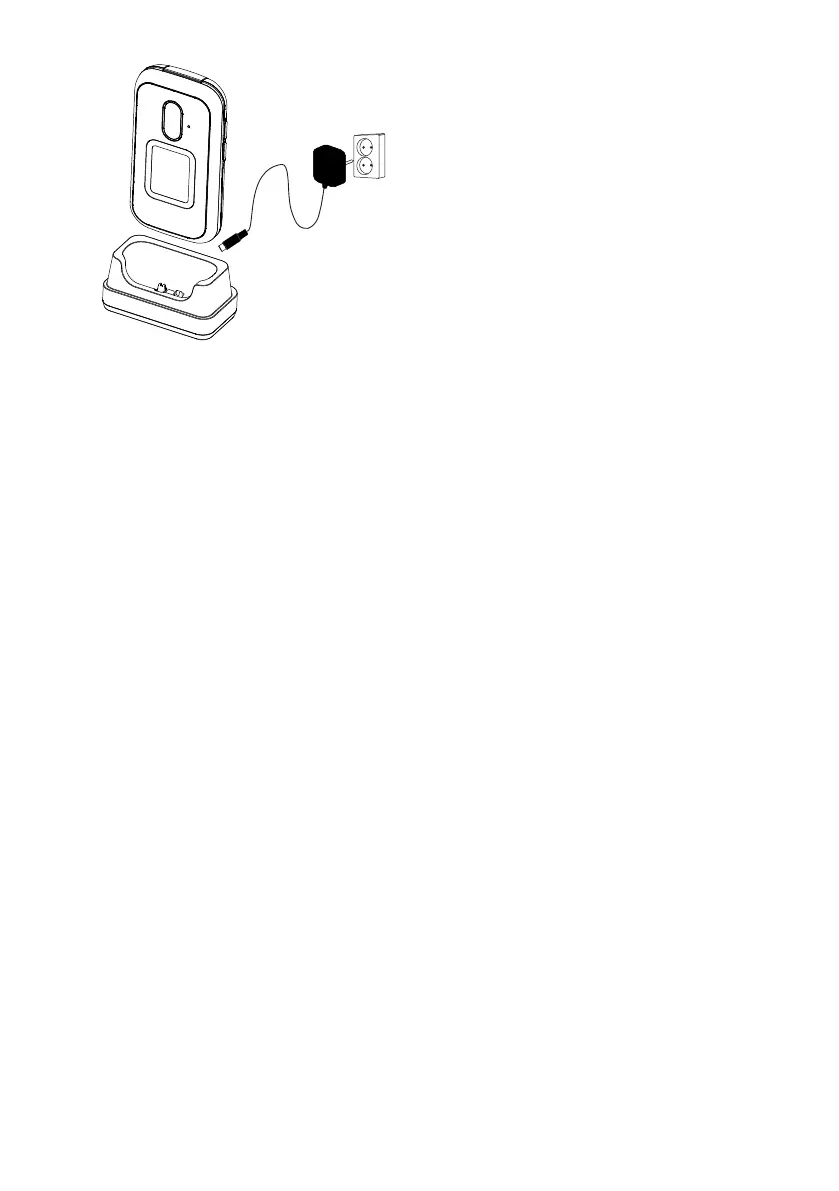
Note! All illustrations may not
accurately depict the actual device.
The items supplied with your phone
might vary depending on the soft-
ware and accessories available in
your region or offered by your serv-
ice provider. You can obtain addition-
al accessories from your local Doro
dealer. The supplied accessories pro-
vide the best performance with your
phone.
1. Front camera
2. Speaker
3. Menu button
4. Four-way navigation keys
5. Camera shortcut
6. Call button
7. Voicemail
8. International prefix/ Symbols
9. Microphone
10. Back button
11. Clear button
12. OK-button
13. End call/ Power on/off
14. Input method/ Silent mode
15. External display
16. Camera flash and Flashlight
17. Red light = battery level low /
charging
18. Green light = New message /
missed call
19. Main camera
20. Assistance button
21. Headset socket
22. Charging socket
23. Second microphone
24. Loudspeaker
25. Volume keys
26. Charging cradle (optional
accessory)



 To Next Page