English
your network operator has an agreement that allows you to do so. This is
called roaming. Contact your service provider for more information.
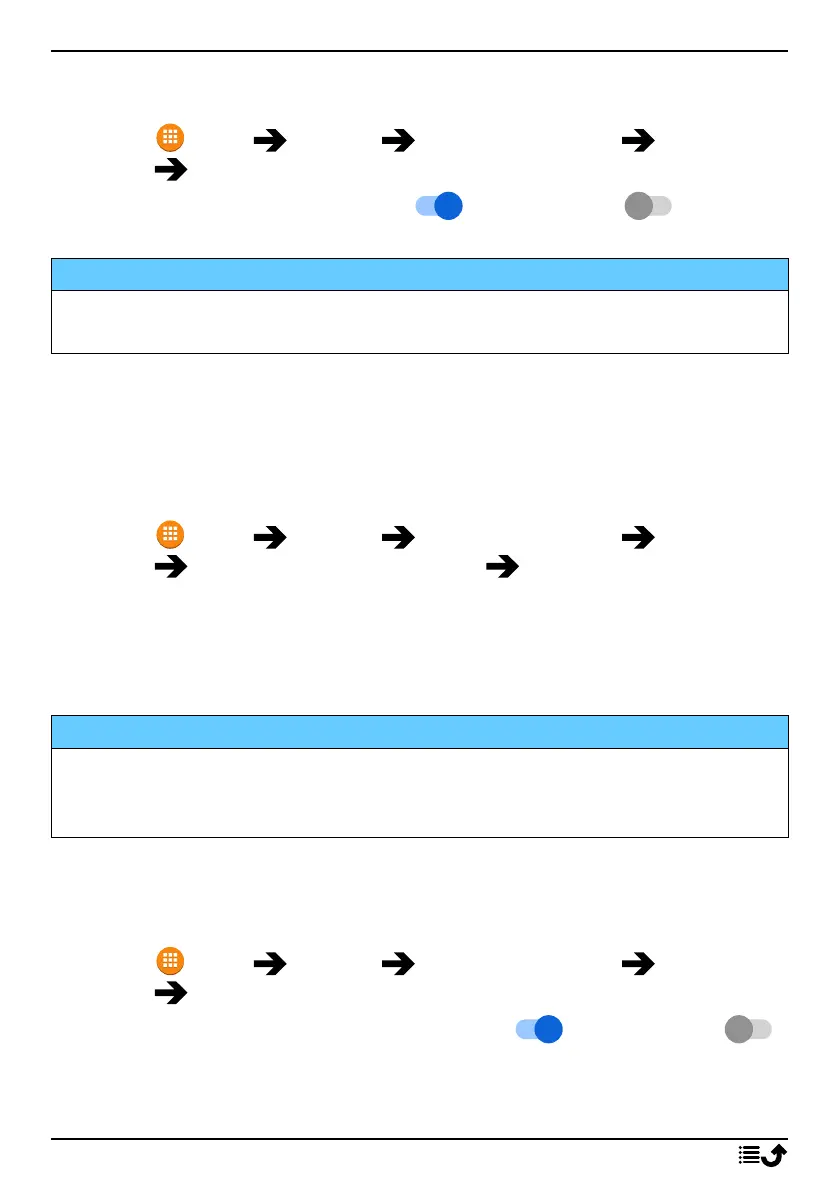
1. Press Menu Settings Network & Internet Mobile net-
work select SIM card (if applicable).
2. Set the switch Data roaming to to activate it or to
deactivate.
IMPORTANT!
Using data services while roaming can be costly. Contact your service
provider for data roaming rates before you use data roaming.
Preferred network type
Your phone automatically switches between the mobile networks that are
available where you are. You can also manually set your phone to use a
specific mobile network type. Different status icons are displayed in the
status bar depending on the type of network that you are connected to.
1. Press Menu Settings Network & Internet Mobile net-
work select SIM card (if applicable) Preferred network type:
• 4G (recommended): to automatically switch for best service be-
tween 2G, 3G and 4G.
• 3G: to automatically switch for best service between 2G and 3G.
• 2G: for 2G service only.
IMPORTANT!
If you set your phone to use 2G or 3G, you will not be able to make any
calls, including emergency calls, or use other features requiring a
network connection, if the selected network type is unavailable.
Enhanced 4G LTE Mode
Set if voice calling over LTE network should be enabled or disabled. This
menu is only visible if your service provider supports the feature.
1. Press Menu Settings Network & Internet Mobile net-
work select SIM card (if applicable).
2. Set the switch Enhanced 4G LTE Mode to to activate it or
to deactivate.
Note! Your network operator also needs to support this feature.
47



 To Next Page