English
Unpair devices
1. From the Home screen, tap Set My other connections
The Bluetooth connection.
2. Tap Previously connected devices.
3. Tap next to the device name that you want to unpair.
4. Tap Forget.
Note! To disconnect you can turn off the other unit or disable Bluetooth on
that device.
Aeroplane mode
In Aeroplane mode you can’t make or receive calls, surf the web or down-
load emails, or do anything that requires an Internet connection, this is to
prevent disturbance to sensitive equipment. You can still play games, listen
to music, watch videos and other content, as long as all this content is
saved on your memory card or internal storage.
When you take your phone abroad, you can keep it in flight mode. If you
do that, there’s no chance of data roaming charges, and you can still ena-
ble Wi-Fi. Enable Aeroplane mode when in areas with no network cover-
age to save battery since the phone repeatedly scans for available
networks and this consumes power. You can be notified by alarms, if
alarms are activated.
1. From the Home screen, tap Set Advanced settings Net-
work and Internet.
2. Tap to activate the Aeroplane mode.
Tip: is shown in the status bar when enabled.
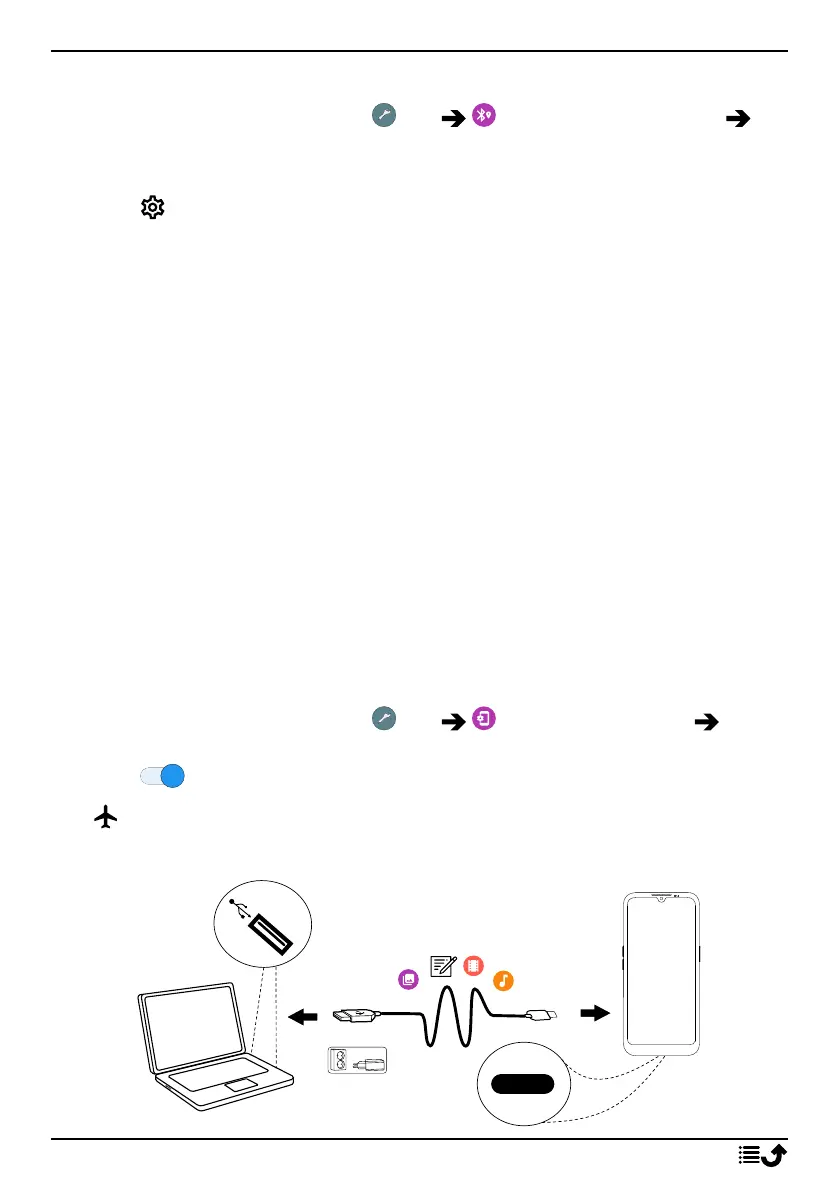
Connect the phone to a computer
38



 To Next Page