English
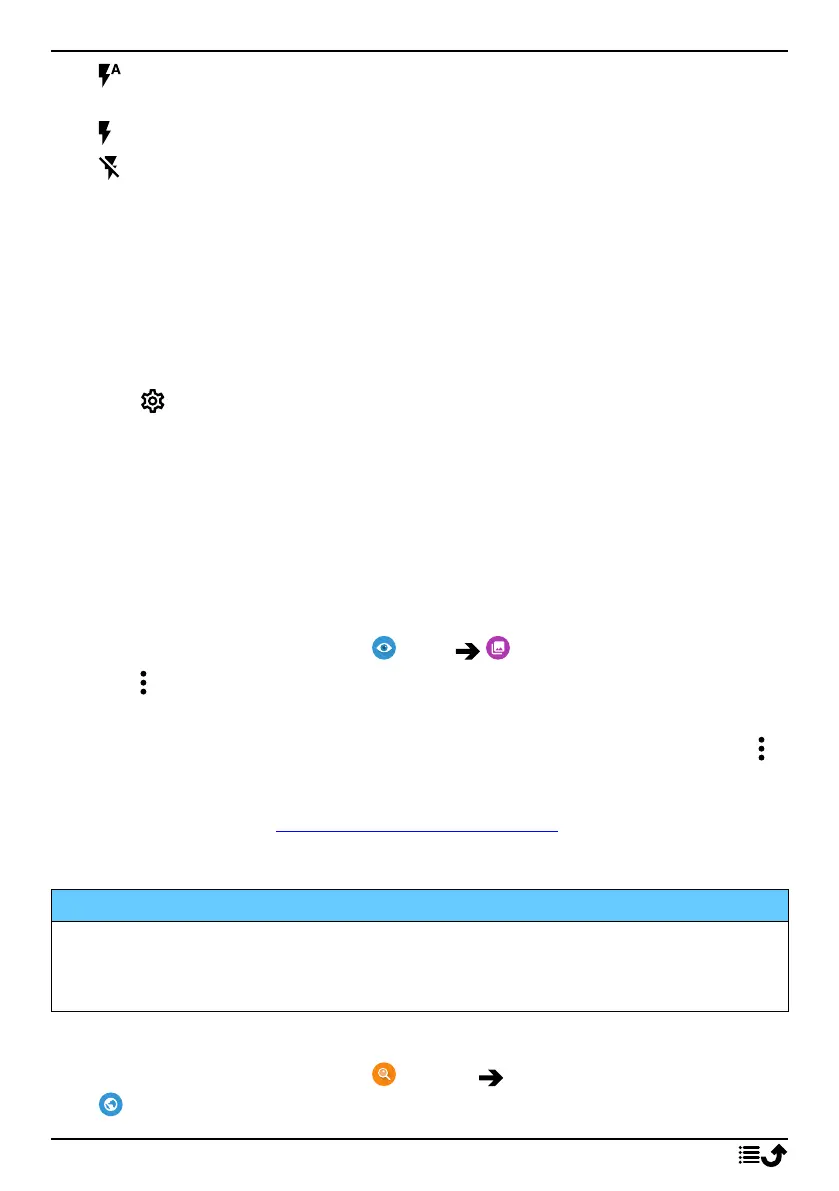
• to let the camera app automatically choose whether to use the
flash or not.
• to force the camera app to use the flash.
• to force the camera app to not use the flash.
More
Tap More to access the list of different shooting modes.
Camera settings
1. Tap to access camera/video settings.
2. Tap to select and adjust the different settings. You can always tap Re-
store default settings to reset the camera settings.
Tip: You can also access your gallery from camera mode, on the camera
preview screen, select the thumbnail in the lower right corner.
Handle pictures in the Gallery
View/handle pictures or videos
1. From the Home screen, tap View My pictures and videos.
2. Tap for more options.
3. Select the photo/video to view/play.
4. Swipe to the left or right for the next or previous image/video. Tap
for more options.
Tip: For more help see support.google.com/photos/
Internet (Web browser)
IMPORTANT!
You need an Internet connection to use this service. It is recommended
to use Wi-Fi connections when available to reduce costs for data traffic.
Contact your service provider for detailed subscription costs.
To use the web browser
1. From the Home screen, tap Search
Something on the Internet.
62



 To Next Page