English
4. Enter new PIN and tap OK. Enter new PIN again and select OK once
more. When done, SIM PIN changed successfully will appear.
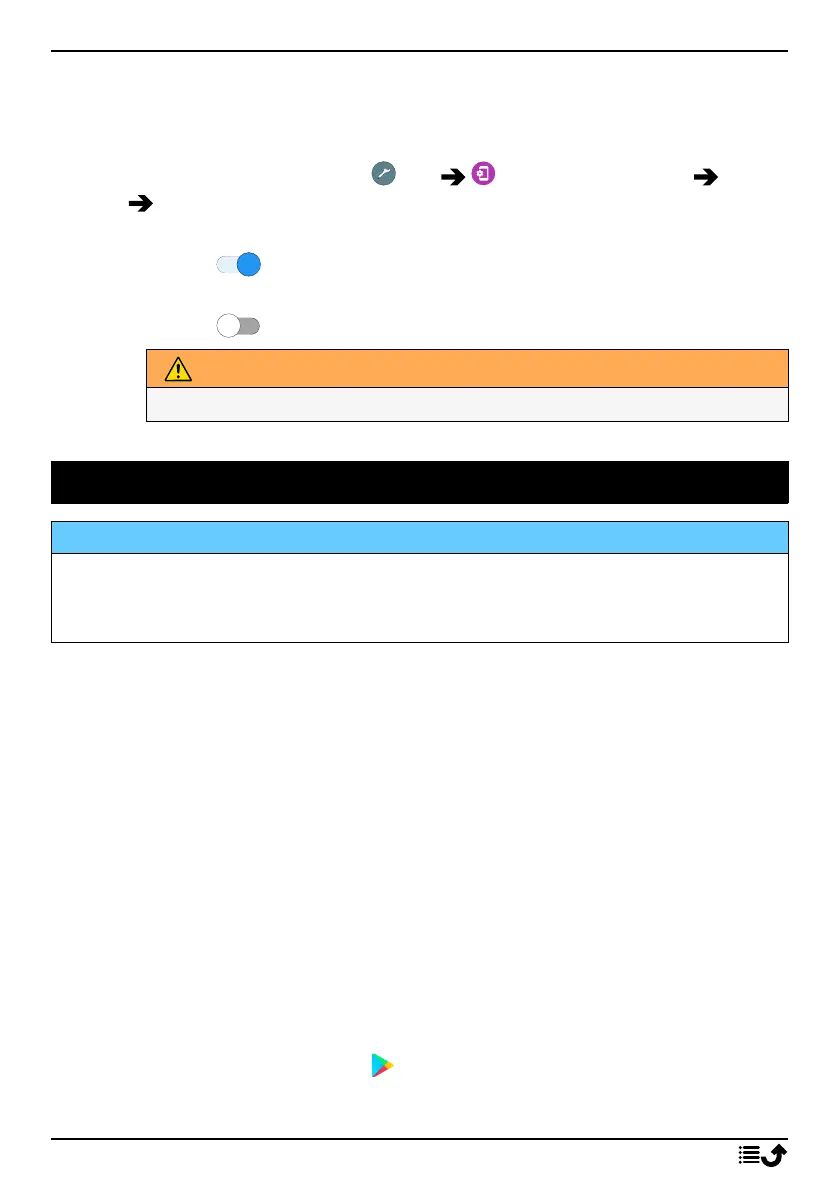
Activate/deactivate SIM card lock
1. From the Home screen, tap Set Advanced settings Secur-
ity SIM card lock.
2. At Lock SIM card:
• Switch to activate PIN code. You need to enter the PIN code
every time the phone is started.
• Switch to deactivate PIN code.
WARNING
If the SIM card is lost/stolen it is unprotected.
Google
™
Play Store
IMPORTANT!
You need an Internet connection to use this service. It is recommended
to use Wi-Fi connections when available to reduce costs for data traffic.
Contact your service provider for detailed subscription costs.
Note! You need to have a Google
™
account to use Play Store. Your Gmail
account is also your Google Account, so you can use the same Gmail
username and password to use other Google products like YouTube,
Google Play, and Google Drive.
Browse the available applications and games through different categories
or through the lists like Top paid and Top Free. You can also search for a
specific application or game.
Some applications need to be purchased. The cost is shown in the applica-
tion description, the same goes if the application is free. You pay using
Google
™
Pay, which can be registered when setting up a Google
™
account
or the first time for a purchase.
Install applications
1. From the Home screen, tap Play Store.
46



 To Next Page