English
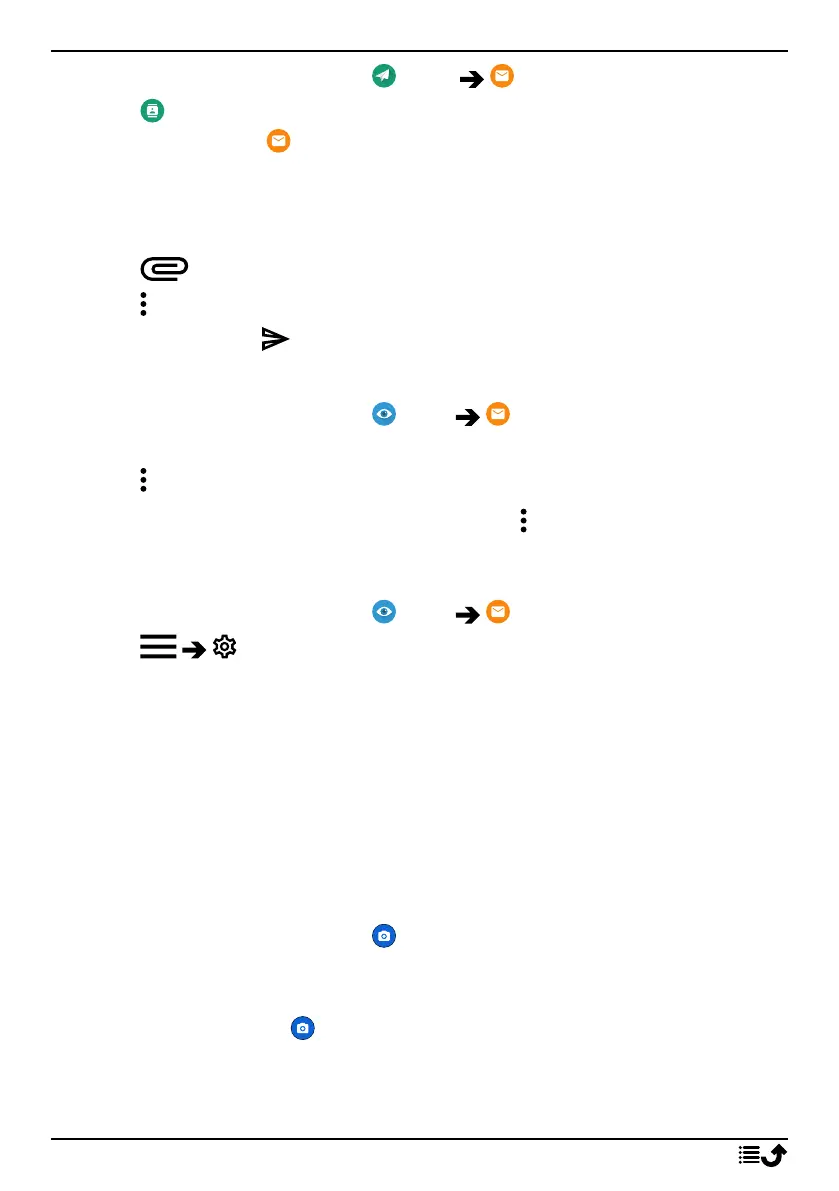
1. From the Home screen, tap Send An email.
2. Tap To contact.
Alternatively tap To email address.
3. Tap to select one or several contacts.
4. Compose your text.
5. Enter a subject.
6. Tap to attach files to the email.
7. Tap for more options.
8. When done, tap to send.
Read emails
1. From the Home screen, tap View My emails.
2. Tap to read an mail.
3. Tap for more options.
Note! Please note that there are two icons for more option.
Email settings
1. From the Home screen, tap View My emails.
2. Tap Settings.
Camera
Tip: To get sharp photos, wipe the lens clean with a dry cloth.
Note! Do not take photos or record videos of other people without their
permission. Do not take a photo or record a video where prohibited or
where you may be violating others' integrity.
How to open the Camera
1. From the Home screen, tap Camera.
2. Use two fingers and spread them apart on the screen to zoom in, and
pinch to zoom out.
3. Tap camera button in the app to take a picture.
60



 To Next Page