English
Congratulations on your purchase
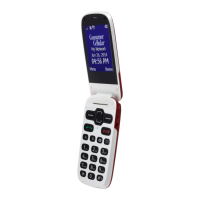
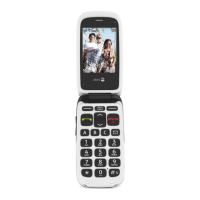
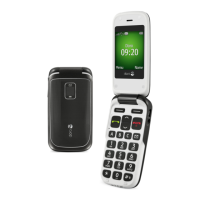
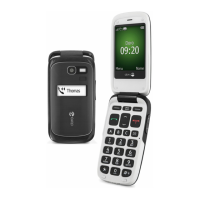
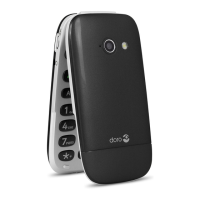
Doro PhoneEasy
®
508 is a good-looking phone bringing you widely
spaced, convex keys, predictive text, direct memories and an SMS button
for easy dialling and texting. A crisp colour display and enhanced sound
simplify usage even more. Other practical features include a torch, re-
minders, wake-up alarm, vibrating ringer and one-touch assistance dial-
ling with SMS alerts. For more information about accessories or other
Doro products please visit www.doro.com.
Get started
Insert the SIM card and battery
IMPORTANT!
Turn off the phone and disconnect the charger before removing the
battery cover.
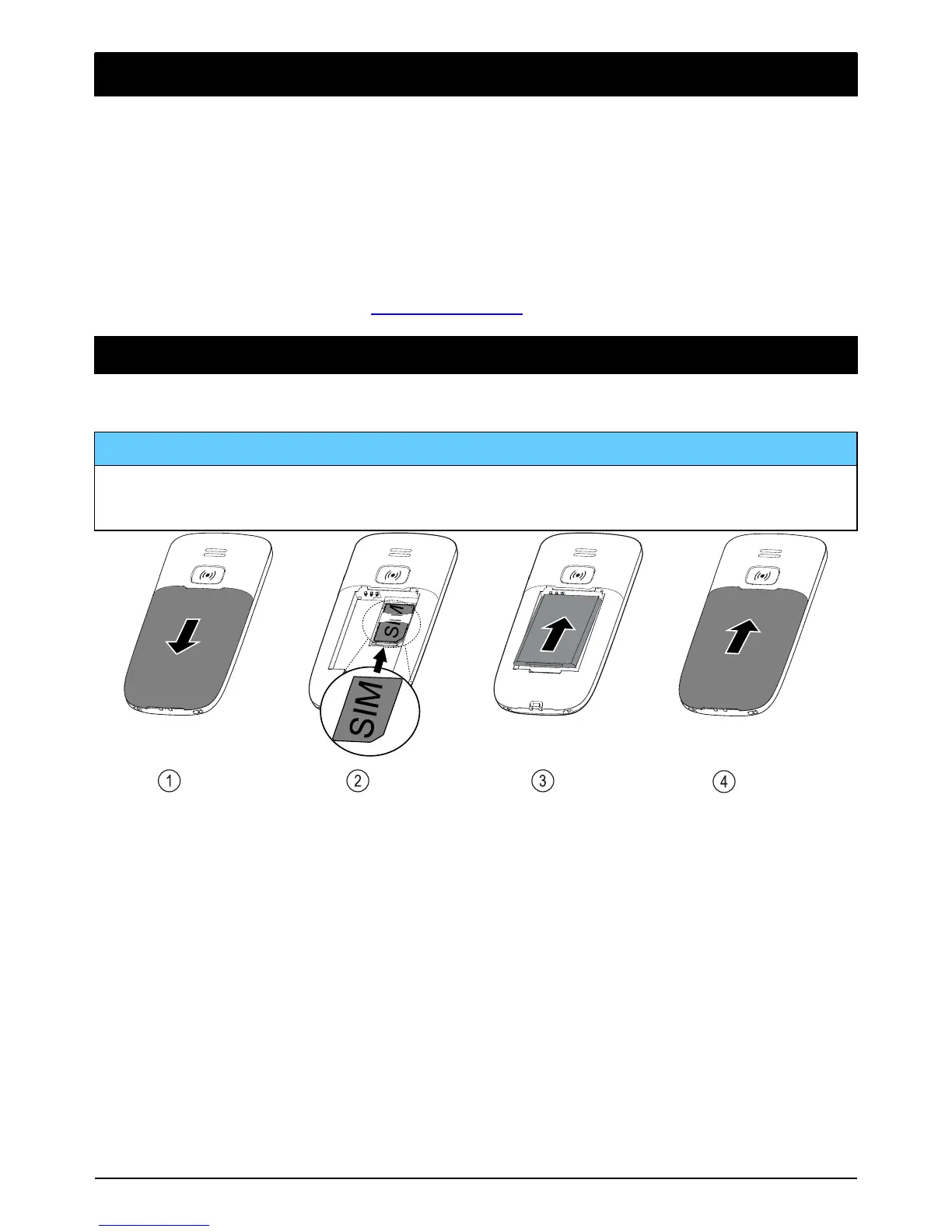
1. Remove the battery cover and the battery if it is already installed.
2. Insert the SIM card by gently sliding it into the holder. Make sure
that the SIM card’s contacts are facing inwards and that the cut off
corner is pointing down. Take care not to scratch or bend the con-
tacts on the SIM card.
3. Insert the battery by sliding it into the battery compartment with the
contacts facing downwards to the right.
4. Replace the battery cover.



 To Next Page