Format - formats the memory card.
ATTENTION: All data will be deleted.
Details – Information on the memory card used.
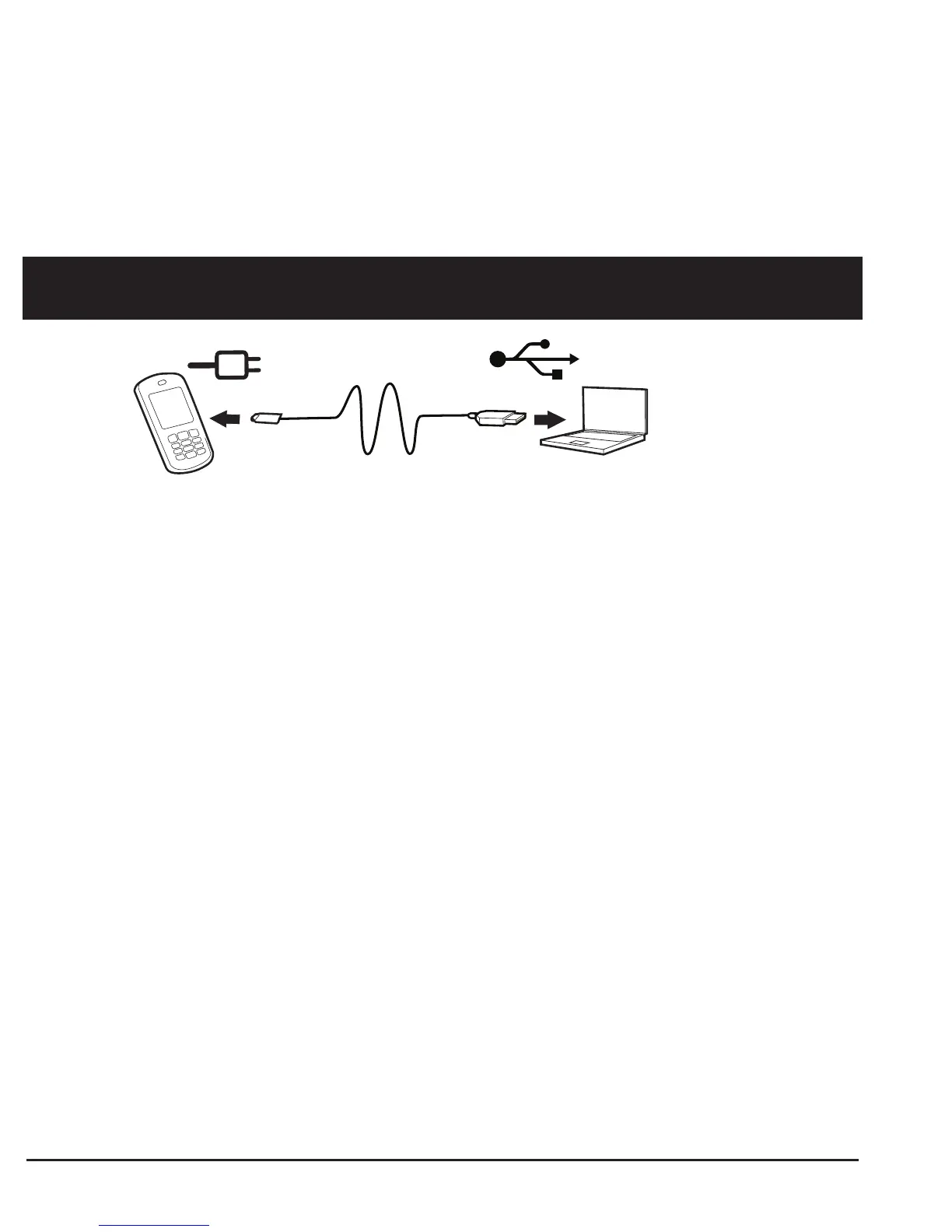
Connecting the mobile phone to a computer
Connect the telephone to a computer to copy images and music.
You can connect the telephone to the computer via the USB cable provi-
ded. Afterwards, you can copy and move data between the telephone
and the computer in the file explorer using the function “drag and drop”.
Note!
You might not be able to transfer copyrighted, protected material.
Moving data between telephone and computer
1. Connect the telephone to the computer via the USB cable provi-
ded (telephone must be switched on). The query Mass Storage
appears in the display of the mobile phone. Confirm this with OK
on the mobile phone.
2. Wait until the telephone/ memory card is displayed as external
drive in the file explorer of your computer.



 To Next Page