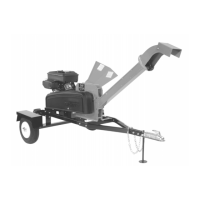
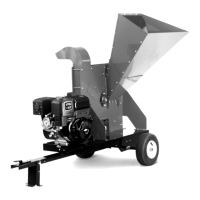
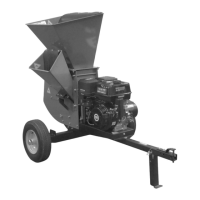
12 DR
®
SELF-FEEDING WOOD CHIPPER
Attaching the Hopper Assembly
Note: We recommend that you have someone help you lift the Hopper in place and
support it until it is secured to the Chipper.
Tools Needed:
• Two 1/2" Wrenches
For Pro-475 Models:
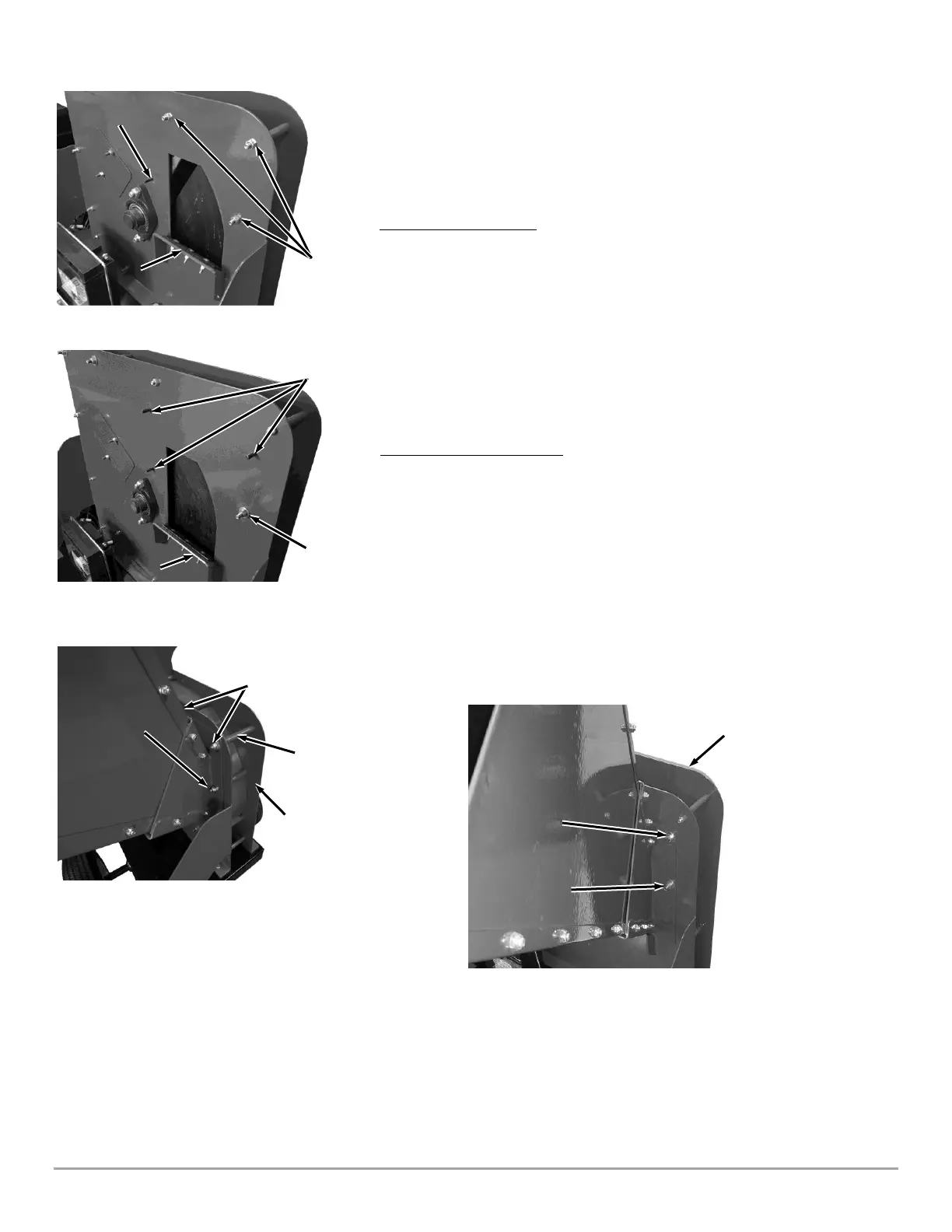
1. Remove and discard the three Shipping Nuts from the Housing Bolts, but
leave the Housing Bolts in place (Figure 7a).
2. Position the Hopper Assembly onto the Housing Support and Stud (Figure
8a) and secure the upper Bolts to the Hopper Assembly with two 5/16-18
Locknuts and Washers.
3. Secure the lower right Bolt to the Hopper Assembly with a 5/16-18 Locknut
(no Washer).
4. Install a 5/16-18 Locknut and Flat Washer to the lower Housing Stud.
For Pro XL-575 Models:
1. Remove and discard the Shipping Nut from the Housing Bolt, but leave the
Housing Bolt in place (Figure 7b.)
2. Position the Hopper Assembly onto the Housing Support and the three
Housing Studs (Figure 8b) and secure the Bolt to the Hopper Assembly
with a 5/16-18 Locknut and Washer.
3. Install three 5/16-18 Locknuts and Flat Washers to the three Studs.


 To Next Page