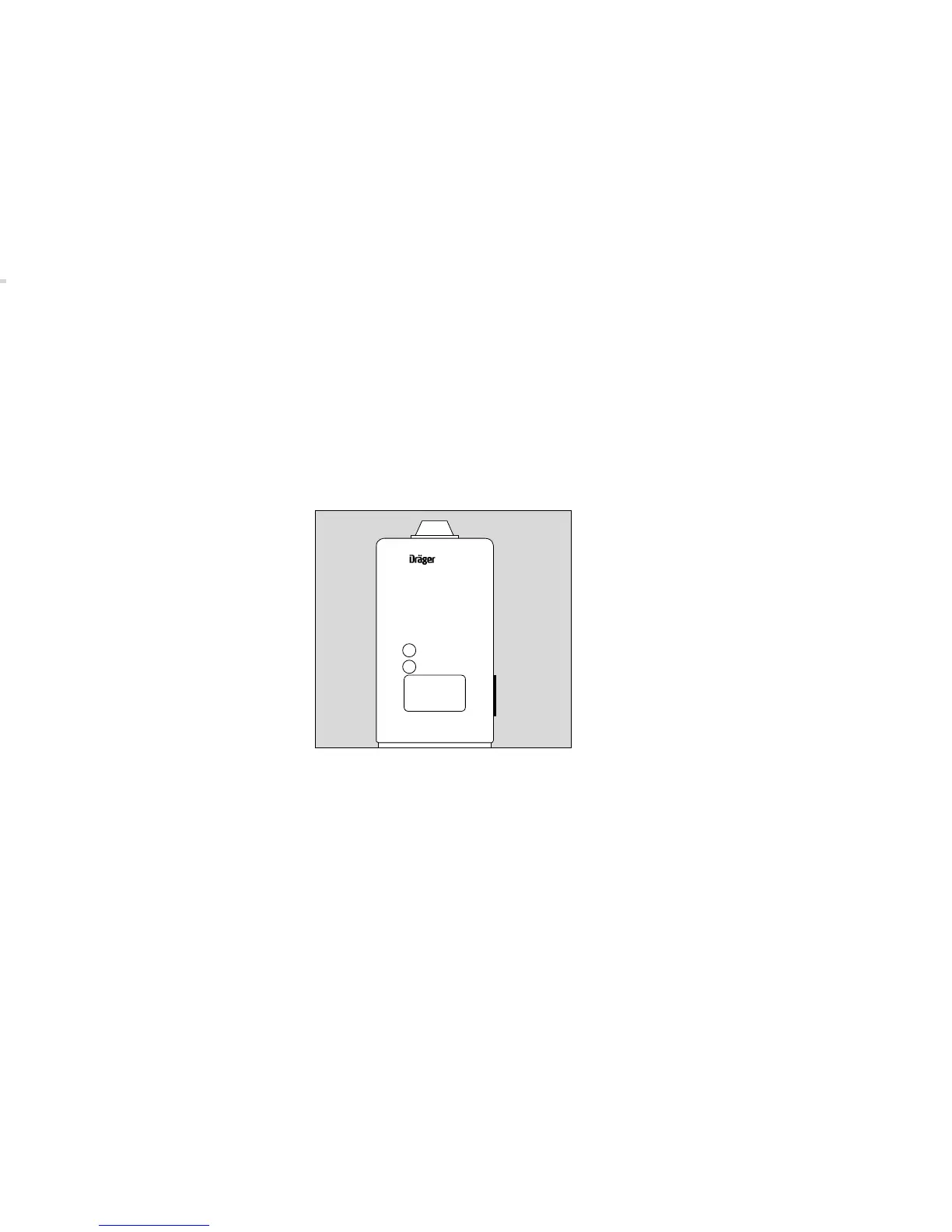
Speicher- und Datenoptionen
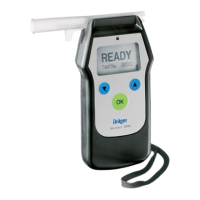
Alcotest
7410
Plus
/ Alcotest
7410
Plus
RS
bietet die Möglichkeit, die folgenden Spei-
cher- und Datenoptionen anzuzeigen:
» dAt « (Daten-Modus)
» tSt « (Test)
» StA « (Statistik)
» con « (Konfiguration)
» doc « (Dokumentation)
» End « (Ende)
Zur Auswahl ist das Gerät zunächst ausge-
schaltet.
1 Taste ca. 5 Sekunden gedrückt halten,
bis in der Anzeige die erste Option blinkt
(z. B. » tSt «).
● Durch kurzes Drücken der Taste wird die
nächste Option aufgerufen.
● Taste länger als 2 Sekunden drücken:
die angezeigte Option wird ausgewählt.
Memory and Data Options
Alcotest
7410
Plus
/ Alcotest
7410
Plus
RS
offers the possibility to show the following
memory and data options:
» dAt « (Data Mode)
» tSt « (Test)
» StA « (Statistics)
» con « (Configuration)
» doc « (Documentation)
» End « (End)
Before selection the instrument is switched
off.
1 Press button for about 5 seconds until
the display reads the first option (e.g.
» tSt «).
● By pressing the button shortly the next
option is accessible.
● Press button for more than 2 seconds:
the shown display option is chosen.
14
00423399_3
Alcotest 7410
Ready
On
1
Plus






 To Next Page