Page | 8
Displaying BiliLux Screens
The user can display the following screens:
o Phototherapy screen (default)
o Radiometer screen
o Phototherapy report screen
o Configuration screen
o Device status screen
1.
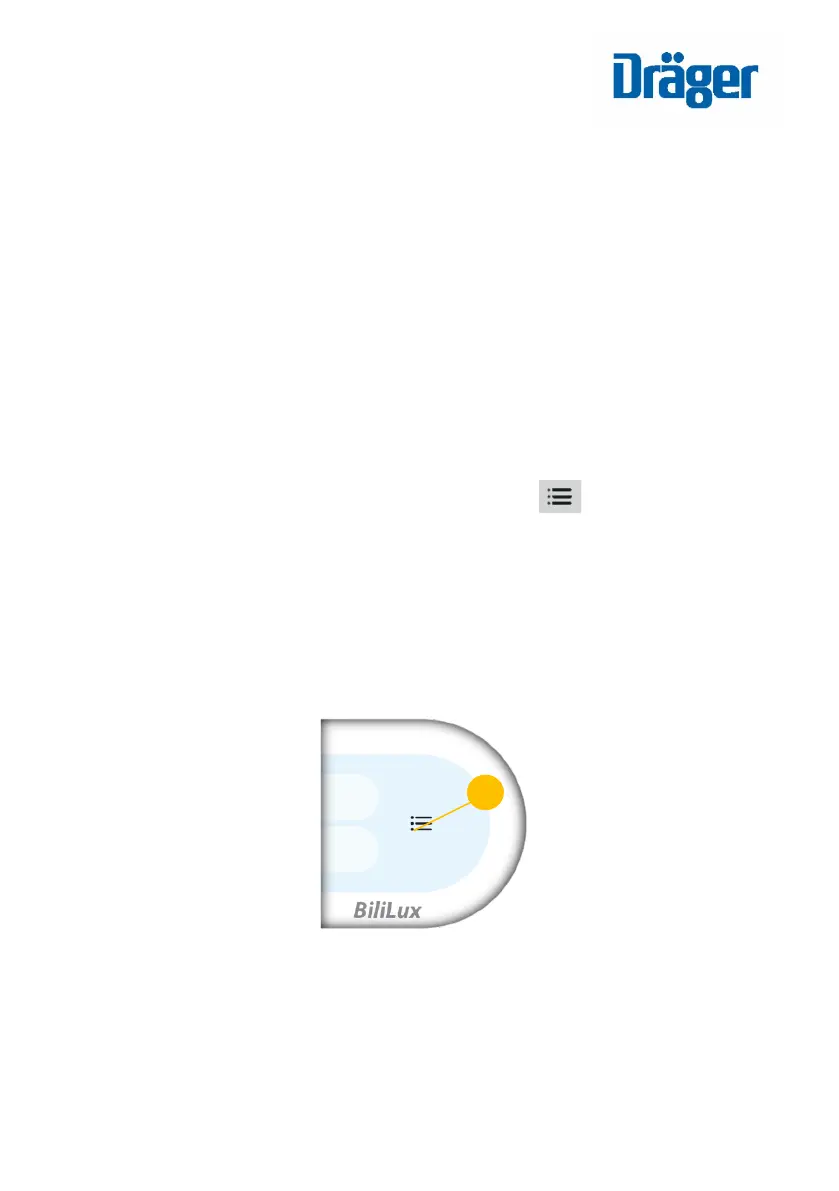
To navigate to the next screen, press the key once
o The screens will be displayed in succession.
o Phototherapy can continue while the user navigates among
different screens.
o After 15 seconds of inactivity (3 minutes on the radiometer
screen), the display reverts to the default phototherapy screen.
BiliLux LED Phototherapy Light














 To Next Page