Page | 9
BiliLux LED Phototherapy Light
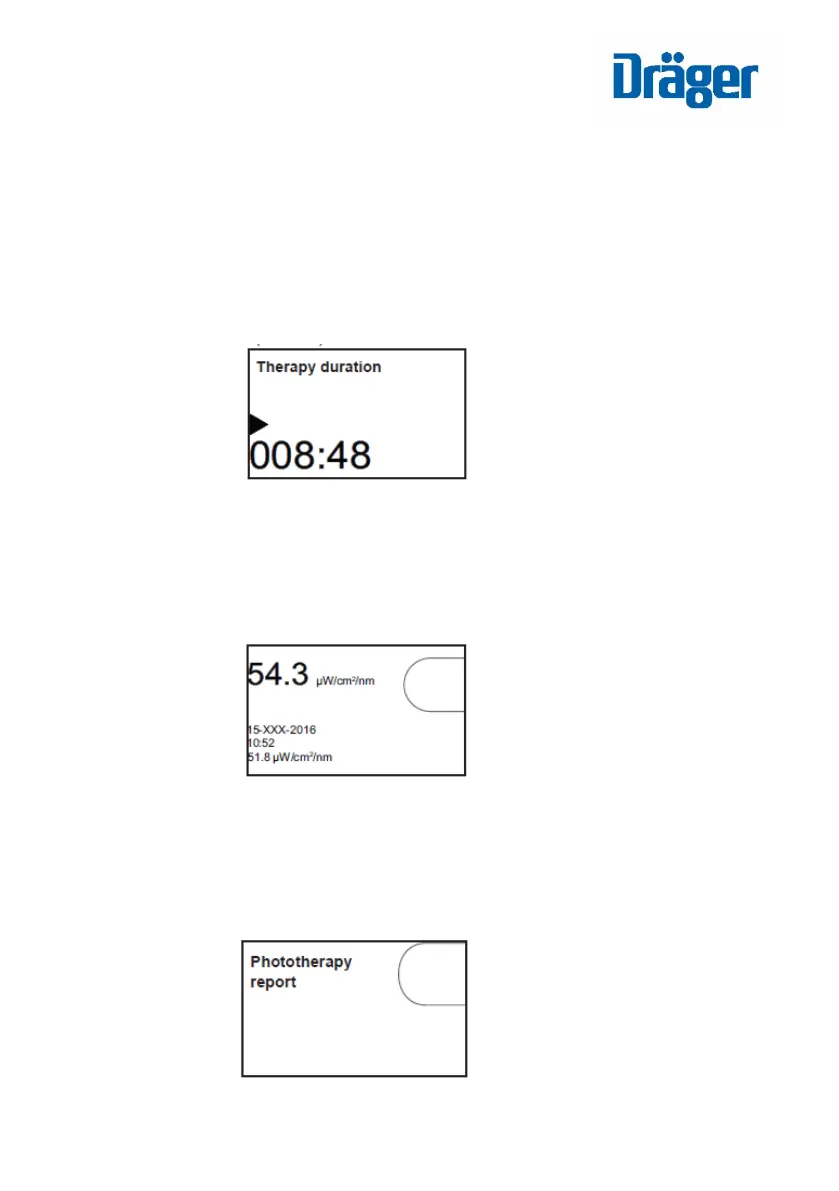
Phototherapy Screen (Default)
o Shows the elapsed duration of therapy in hours and minutes,
as well as therapy status (on/off/paused)
o Allows the user to view and store irradiance readings
measured by the radiometer.
Phototherapy Report Screen
o Allows export of the phototherapy report to a USB
flash drive.














 To Next Page