22 Dräger REGARD 3900 Modbus TCP/IP Gateway
Configuration
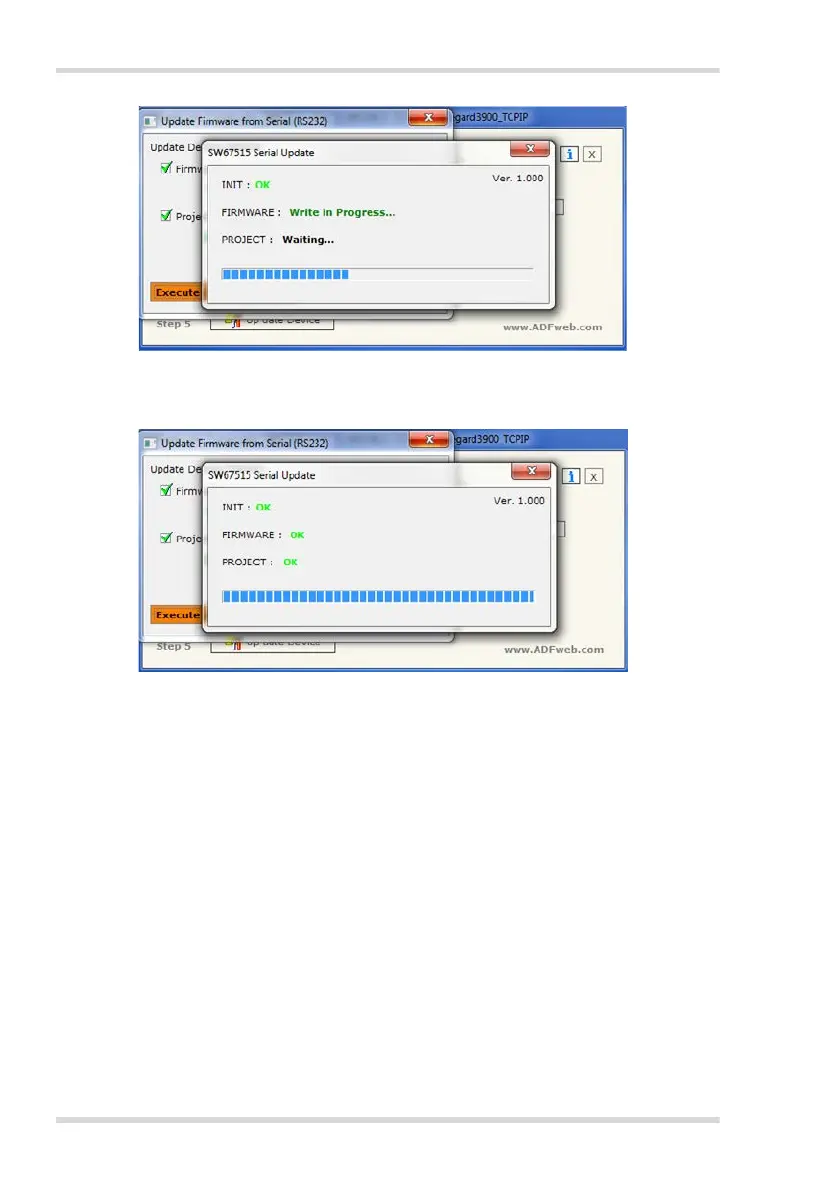
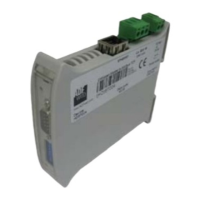
When the progress is finished you should see 3 notes showing the message OK:
INIT, FIRMWARE and PROJECT.
If there's an error message retry the process.
5. To close the program click to the X of the open windows.
3.5 Closure of the Update
1. Disconnect the Null modem cable from the computer.
2. Disconnect the power supply of the gateway.
3. Set the 'Boot Jumper' back to its default position.
4. Connect the power supply of the unit.
The green LED should have changed from fast to slowly blinking now.



 To Next Page