Dragonfly Manual Version 3© Page 11
The Dragonfly™ section of the User Guide provides you with a brief overview of the initial
startup of the program. This manual is designed to follow the training curriculum and exercises.
If at any time technical support is required, please contact Dragonfly Technical support.
Starting Dragonfly
OR
Double click on the Dragonfly Icon.
Click Start > All Programs > Emergency Services Interactive Systems > Dragonfly > Dragonfly
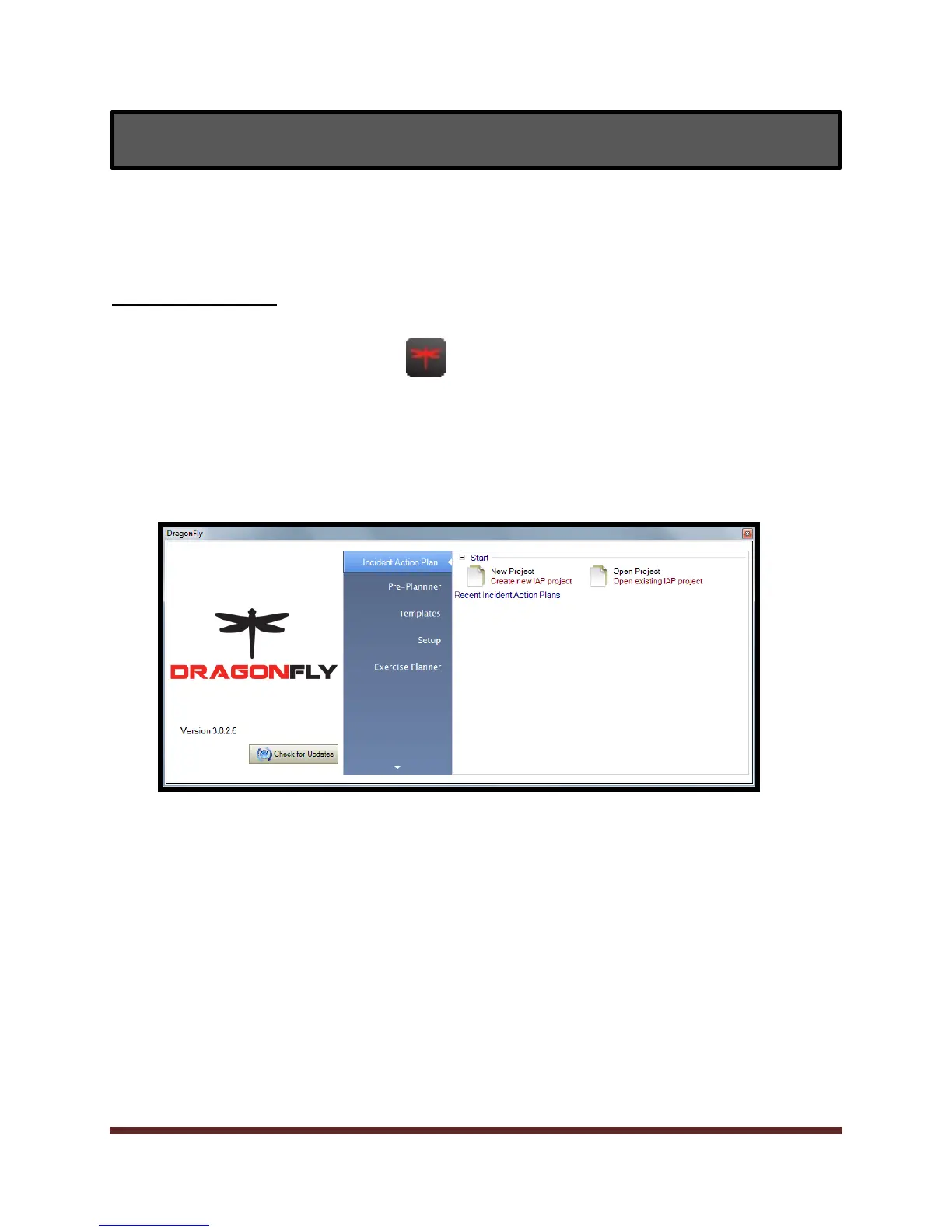
The Dragonfly start screen will appear shortly after.



 To Next Page