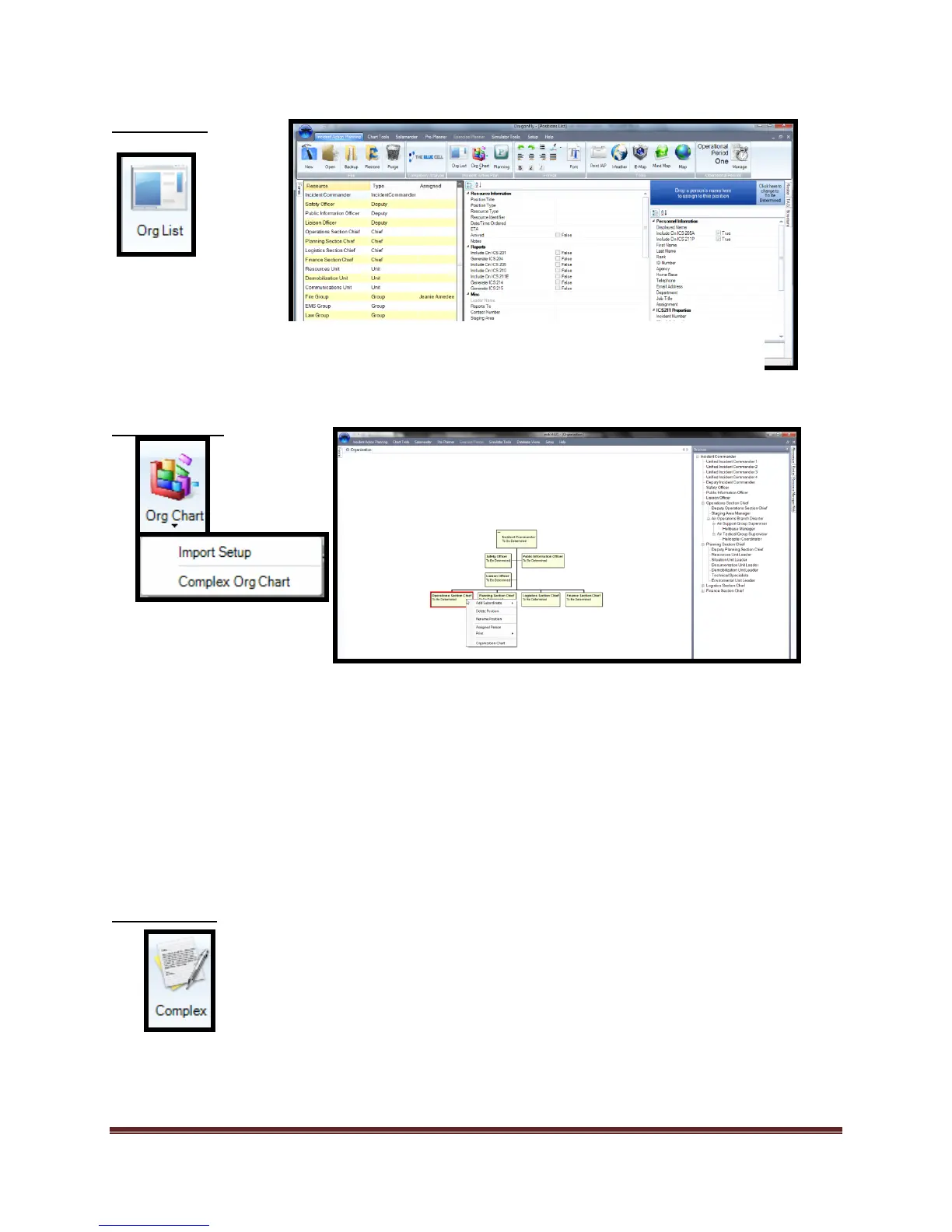
The “Org Chart” icon allows the user to add positions and build plans using an organization
chart. NIMS All Hazard positions are available. If tactical or custom positions are required, the Org
Chart tool can accommodate those needs as well.
The “Org Chart” icon also allows the user to join additional “Incident/Event Action Plans” to
existing files through the “Import Setup” command.
The “Complex Org Chart” command is used to display the joined plans in a separate view.
The “Complex” icon is used for creating and displaying incident complexes in “Area
Command” type planning scenarios.
The “Org List” icon allows the user to add/edit records using a multi-window interface to affect
updates and modifications across the plan.



 To Next Page