Dragonfly Manual Version 3© Page 12
Updating Software
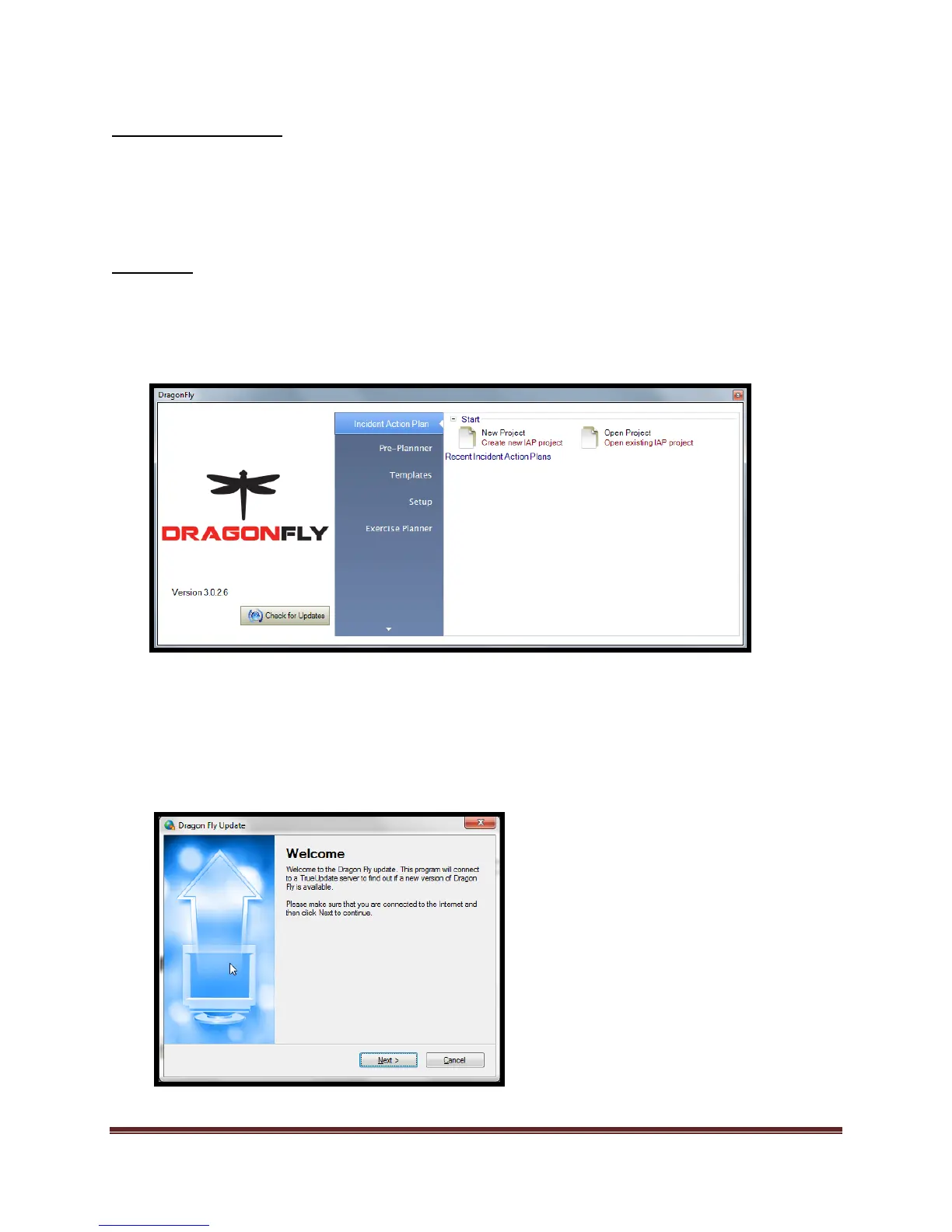
A feature of Dragonfly™ is the ability for the user to check for updates to the program. An
internet connection is required.
There are 2 methods to “Update” the software.
Method 1:
Read and follow the prompts.
Use the mouse to select the button. After the selection is made the following screen and
directions will be shown:
Start Dragonfly™ following the steps as previously described. Once the program has started, verify
an internet connection is available. Once verified, locate the “Check for updates” button on the
start screen.



 To Next Page