Dragonfly Manual Version 3© Page 13
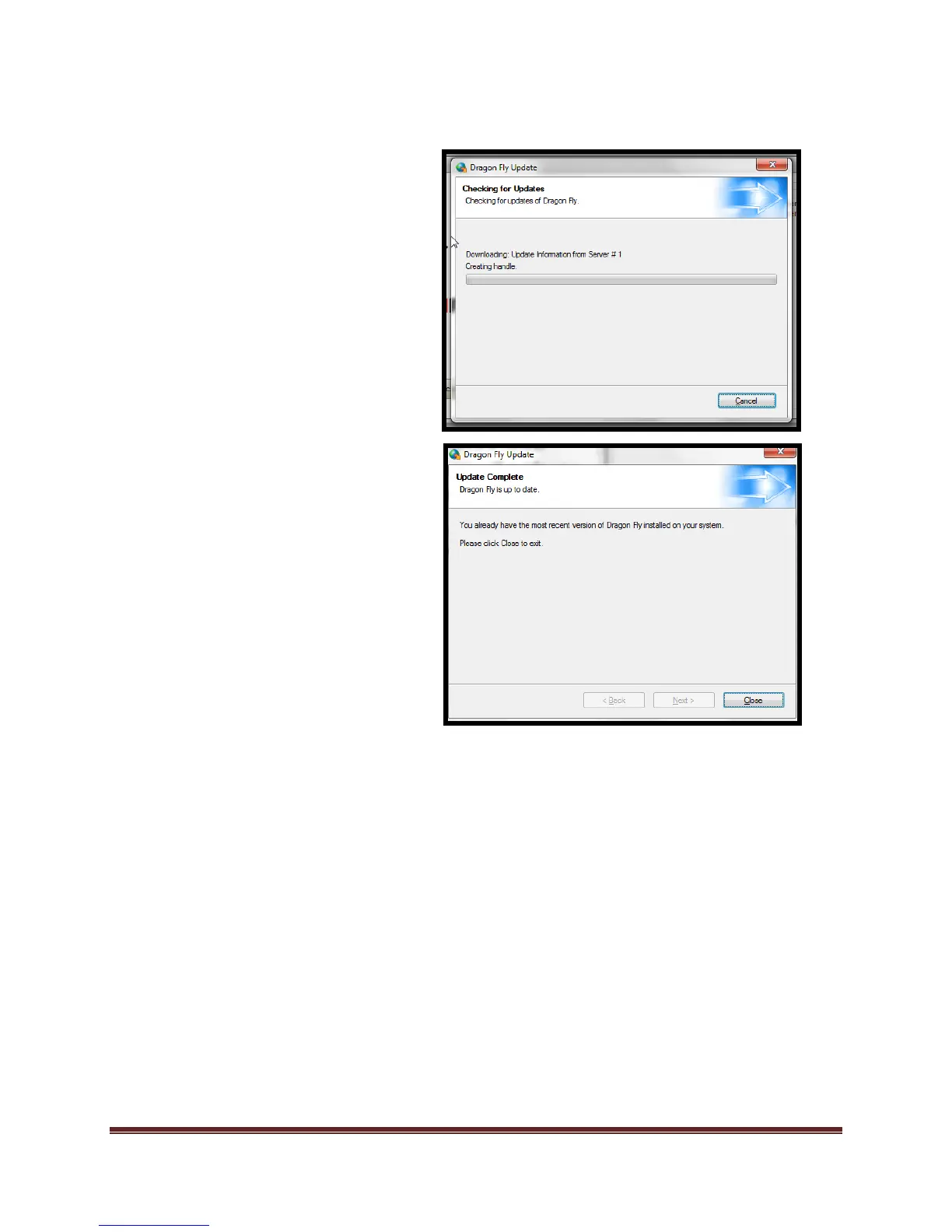
The software will contact the
Dragonfly™ server to download the
latest patch available. If the
software has the most current
version, the software will inform
you of such.
If the software detects a newer
version, the software will guide you
through the process of updating.
*If the software cannot update due
to security settings, contact
Dragonfly™ Technical Support



 To Next Page