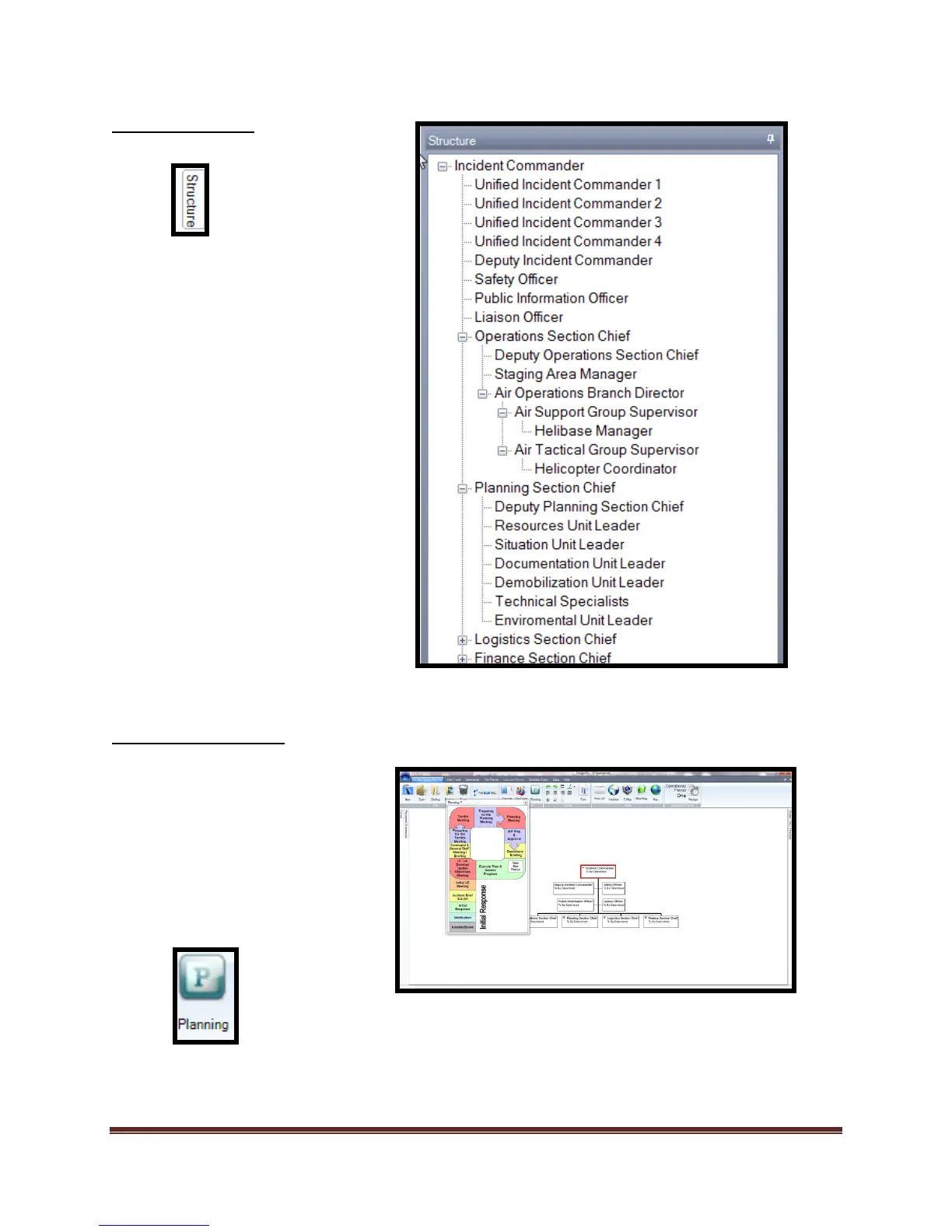
The “Structure Tab” is the
default tool to add positions to
the Organization Chart. It is
located on the right side of the
screen. Although it is available
throughout the program, the
positions are not applied
unless you have the Org chart
open.
The “Planning P” is used
within ICS as a tool to
coordinate meetings, planning
activities, and responsibilities.
This tool is connected to
various ICS forms within the
program.



 To Next Page