These icons are used to access
incident resources located in the
following legacy Salamander™
software tools:
1. rapidTAG
2. Mobile Express
3. Command
To learn how to connect Dragonfly
how to connect to your legacy
Salamander software tools see
“Appendix A: Salamander Local
Connection Preference Settings”
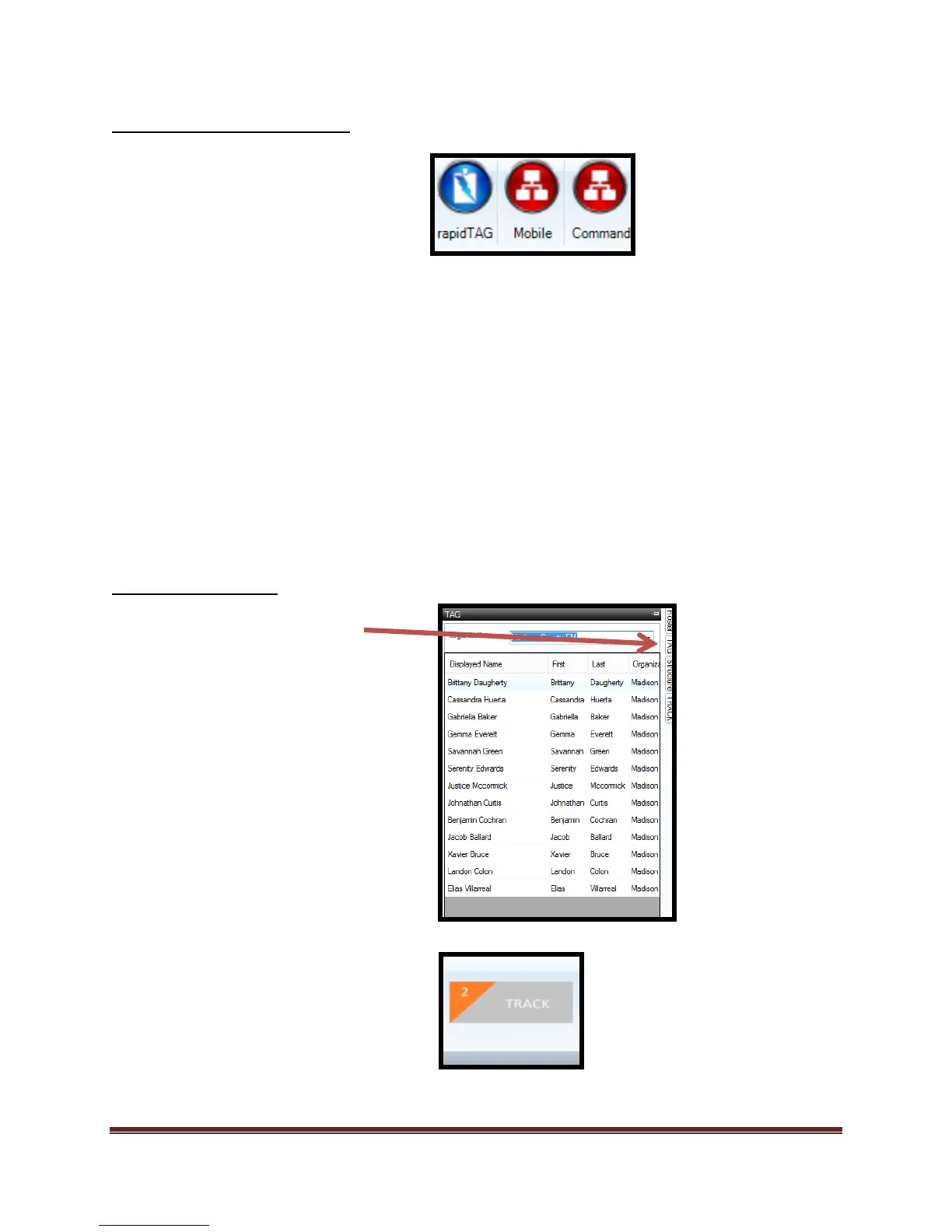
The “TAG” icon allows the user to
access the “Salamanderlive.com
TAG” services. From this tool the
user will select the organization that
resource is located under and add
them to rosters or assignments
within Dragonfly.
The “TRACK” icon allows the user to
access the “Salamanderlive.com
TRACK” services. From this tool the
user will select the incident and add
the resources and/or assignments to
the incident in Dragonfly.
An internet connection is necessary.



 To Next Page