Dragonfly Manual Version 3© Page 16
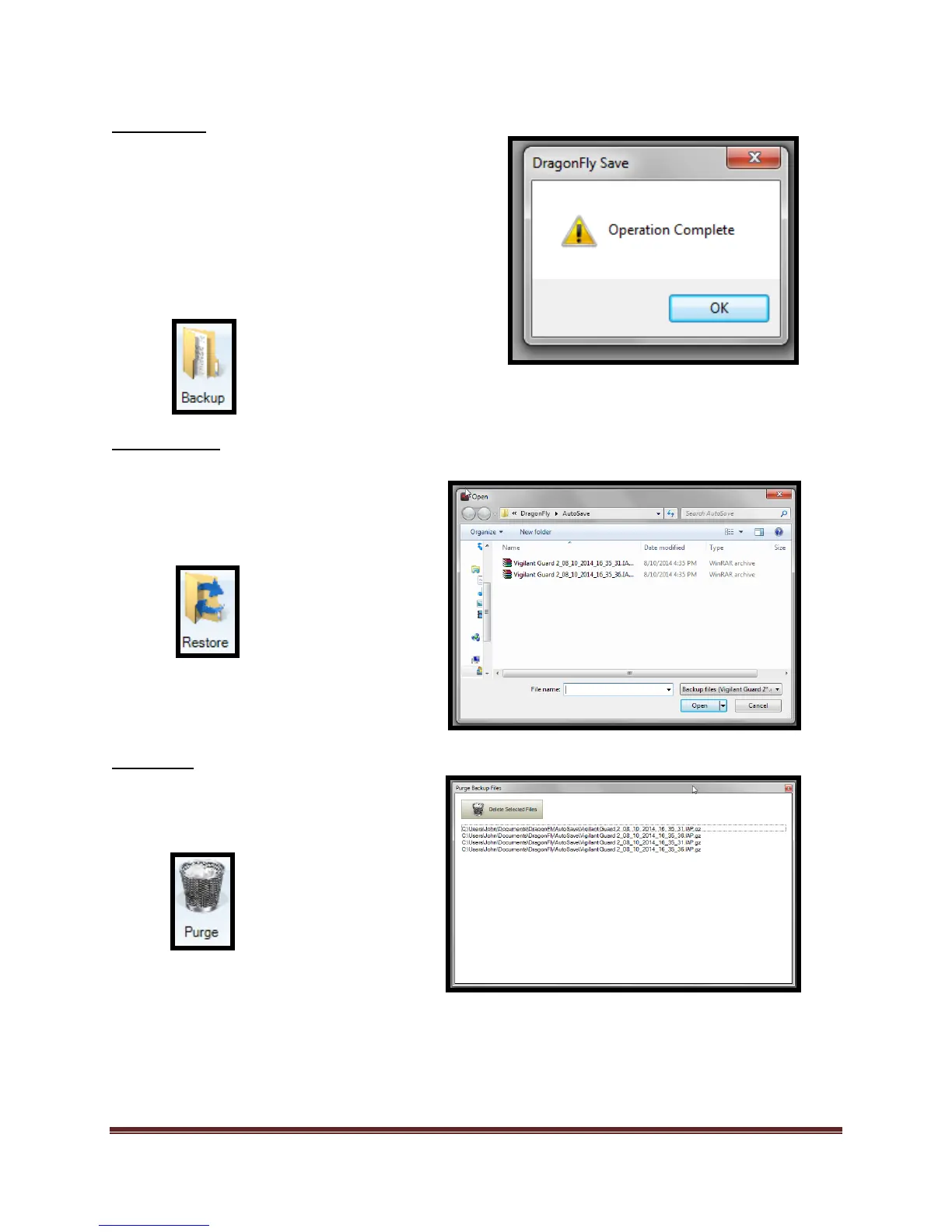
Backup Icon
Restore Icon
Purge Icon
The “Backup” icon allows user
to create a “Backup” file. In the
case where there is more than
one operational period, the
backup won’t include the other
operational periods.
Back-up file location:
C:\Users\Admin\Documents\DragonFly\AutoSave
The “Restore” icon allows user to
restore from a set time point.
Select .zip files to restore.
The “Purge” icon allows the user
to remove/delete backed up files.



 To Next Page