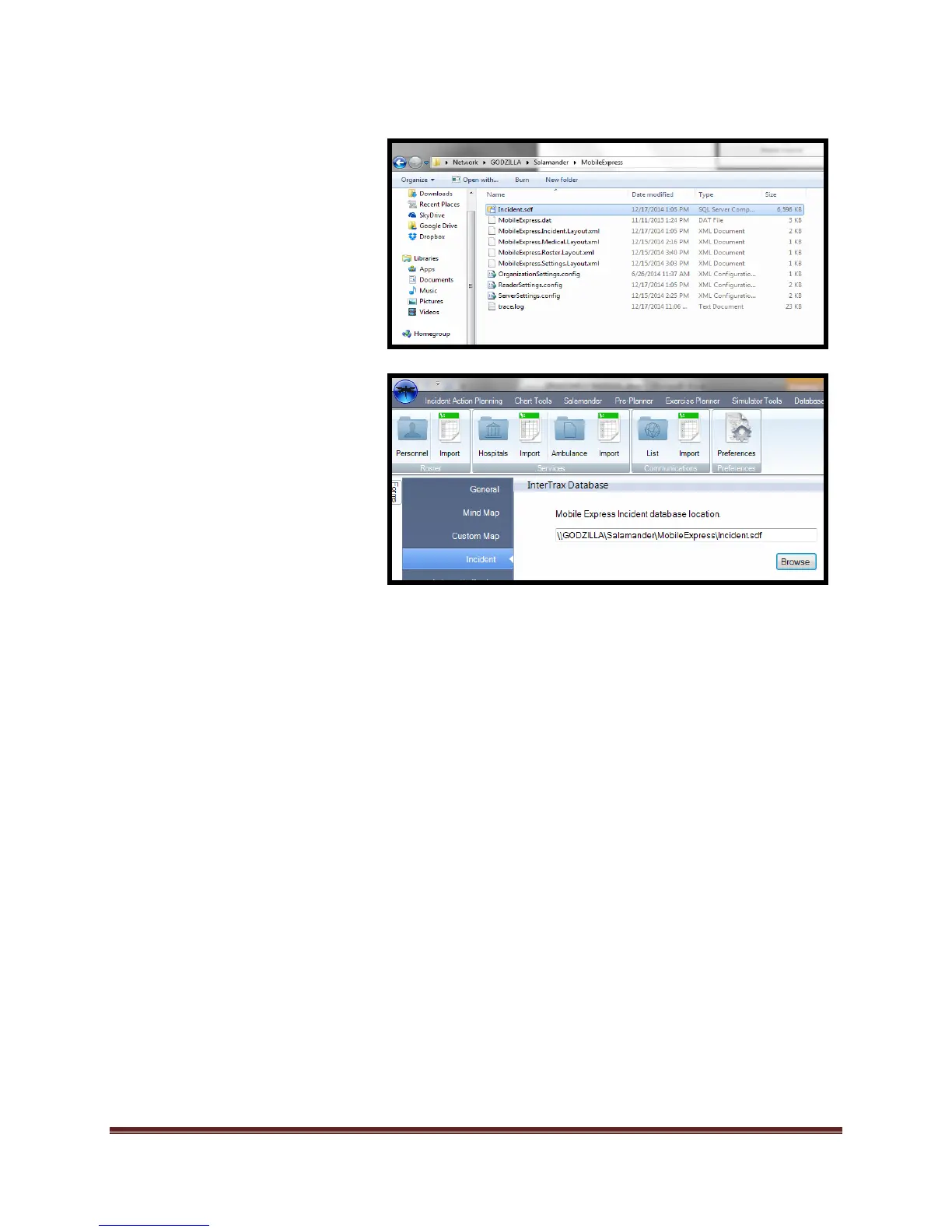
h. Select “Incident.sdf”
i. Select “Open”
*File path is now set for importing
of data. If the “source” computer
name is changed, the file sharing
and pathways will need to be
updated. If the “source” computer
is not on the same network as the
Dragonfly™ software, the import
will fail.
You are ready to import.



 To Next Page