32
Submit Changes
When the Survey Setups have been completed, click the Submit
Changes button to save the settings. Click the Discard Changes button
to discard the settings.
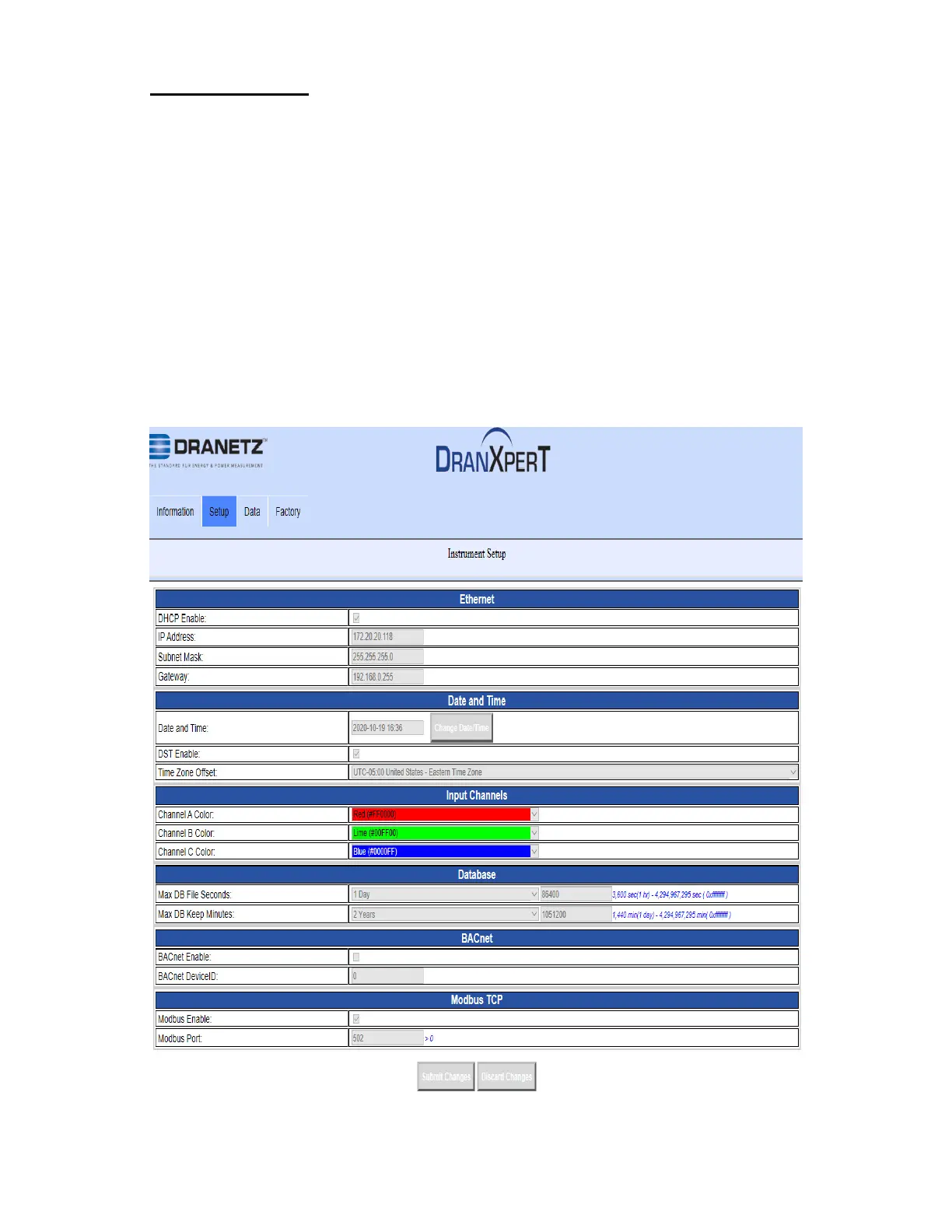
Instrument Setup
Select Setup > Instrument Setup to view/change the current instrument
setup. These are miscellaneous instrument settings, such as the
Ethernet settings, date/time, etc.
Note that the instrument setings can only be modified if monitoring is
OFF. If monitoring is ON, you will recive a warning that the survey
settings are “view only”
.


 To Next Page