44
START/STOP MONITORING
Monitoring can be started or stopped by using either the membrane
keypad or via a web browser.
Start Monitoring
Once you have configured the DranXperT settings, the next step is to
start monitoring. Please do one of the following to start monitoring:
Instrument Keypad
Press and hold the “Monitoring” button for approximately 5
seconds until a beep is heard to turn monitoring ON. The LED
above the button will illuminate “GREEN” when monitoring has
started and is ON.
Web Browser
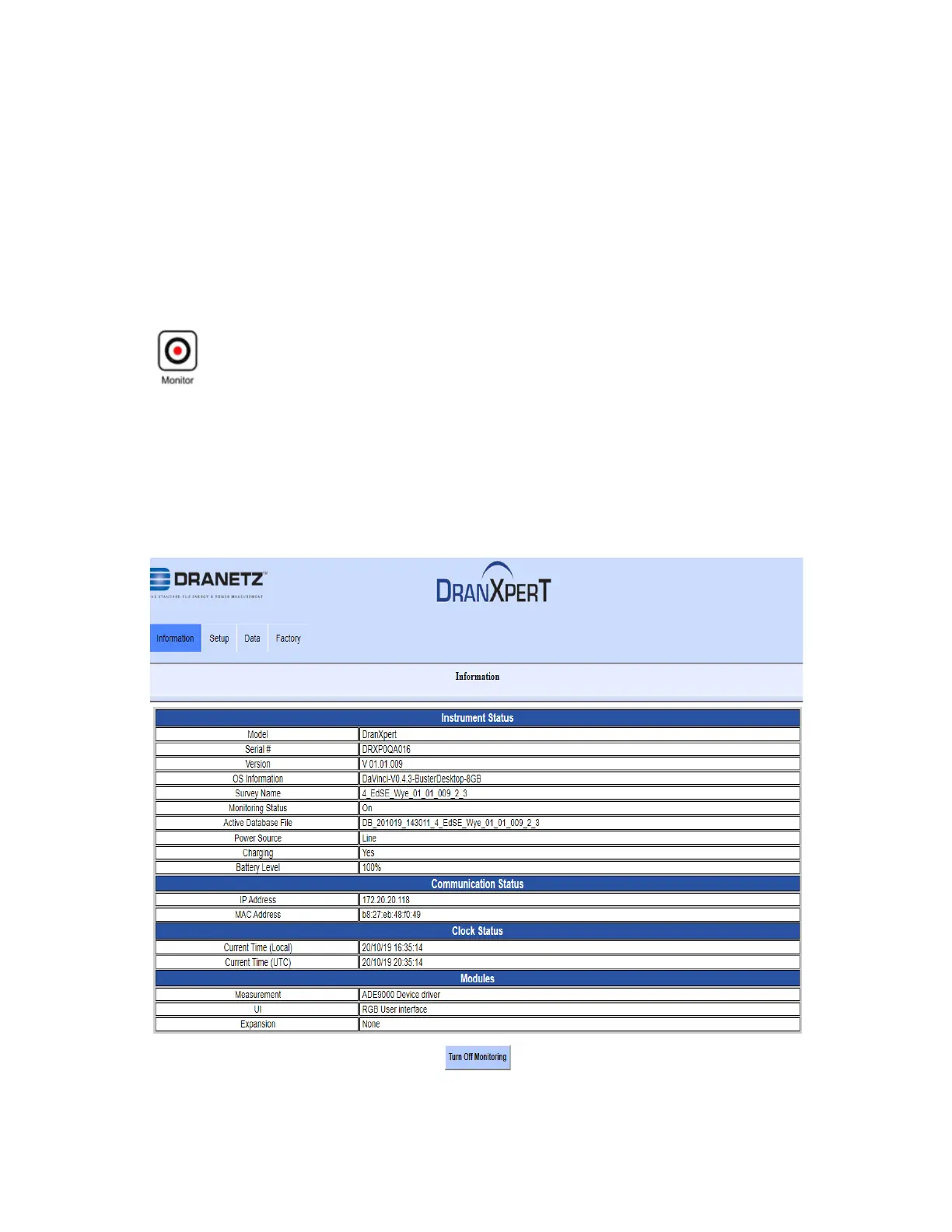
Select the Information > Status page. At the bottom of the page,
click Turn On Monitoring. When monitoring is ON, the button text
will change to “Turn Off Monitoring”.


 To Next Page