45
Stop Monitoring
Please do one of the following to stop monitoring.
Instrument Keypad
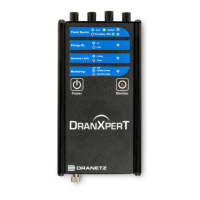
Press and hold the “Monitoring” button for approximately 5
seconds until a beep is heard to turn monitoring OFF. The
“Monitor” LED will turn OFF when monitoring is stopped.
Web Browser
Select the Information > Status page. At the bottom of the page
click Turn OFF Monitoring. When monitoring is OFF, the button
text will change to “Turn On Monitoring”.


 To Next Page