Vigor120 Series User’s Guide
79
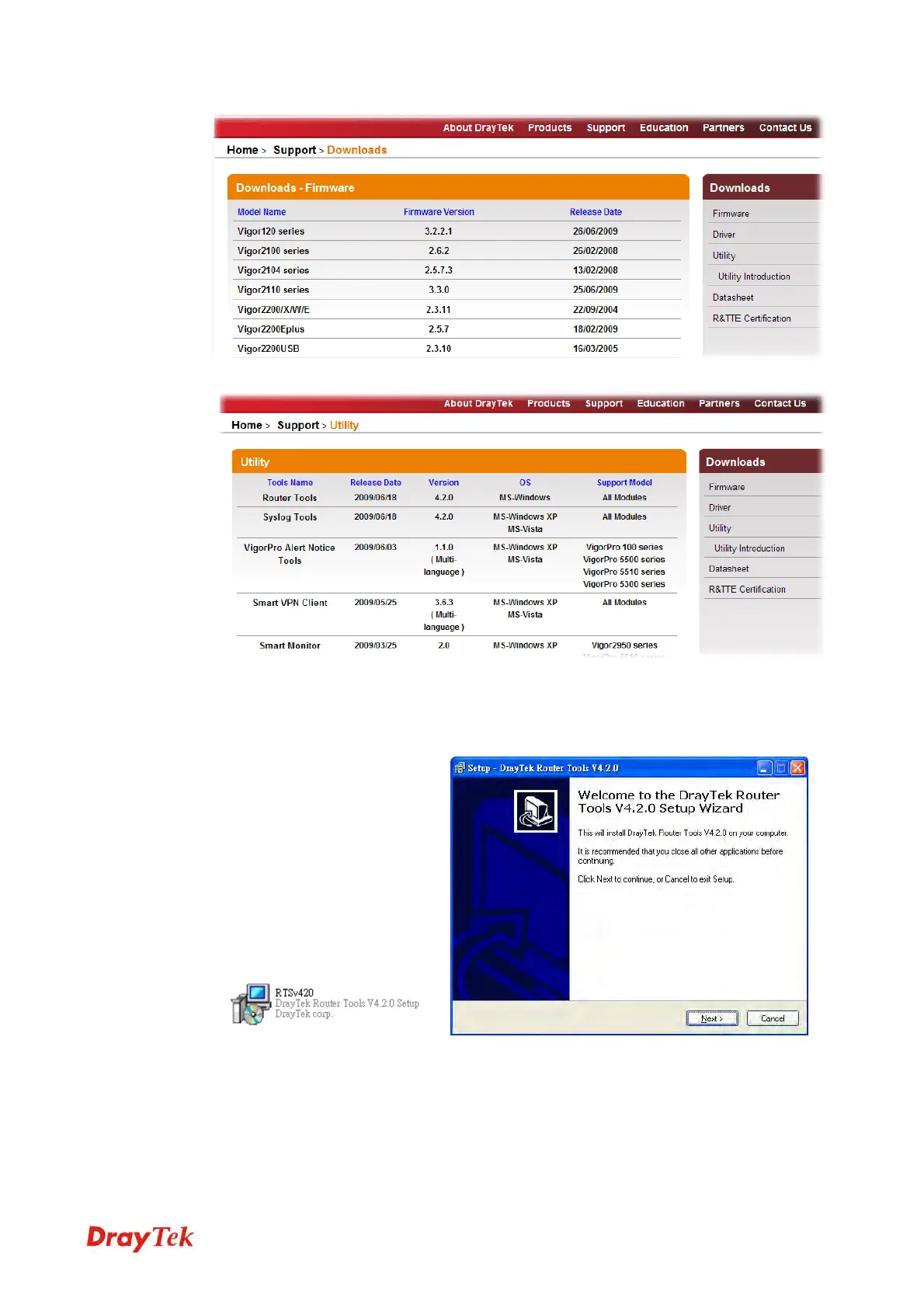
3. Access into Support >> Downloads. Please find out Utility menu and click it.
4. Click on the link of Router Tools to download the file. After downloading the files,
please decompressed the file onto your host.
5. Double click on the icon of modem tool. The setup wizard will appear.
6. Follow the onscreen instructions to install the tool. Finally, click Finish to end the
installation.
7. From the Start menu, open Programs and choose Modem Tools XXX >> Firmware
Upgrade Utility.



 To Next Page