Vigor120 Series User’s Guide
80
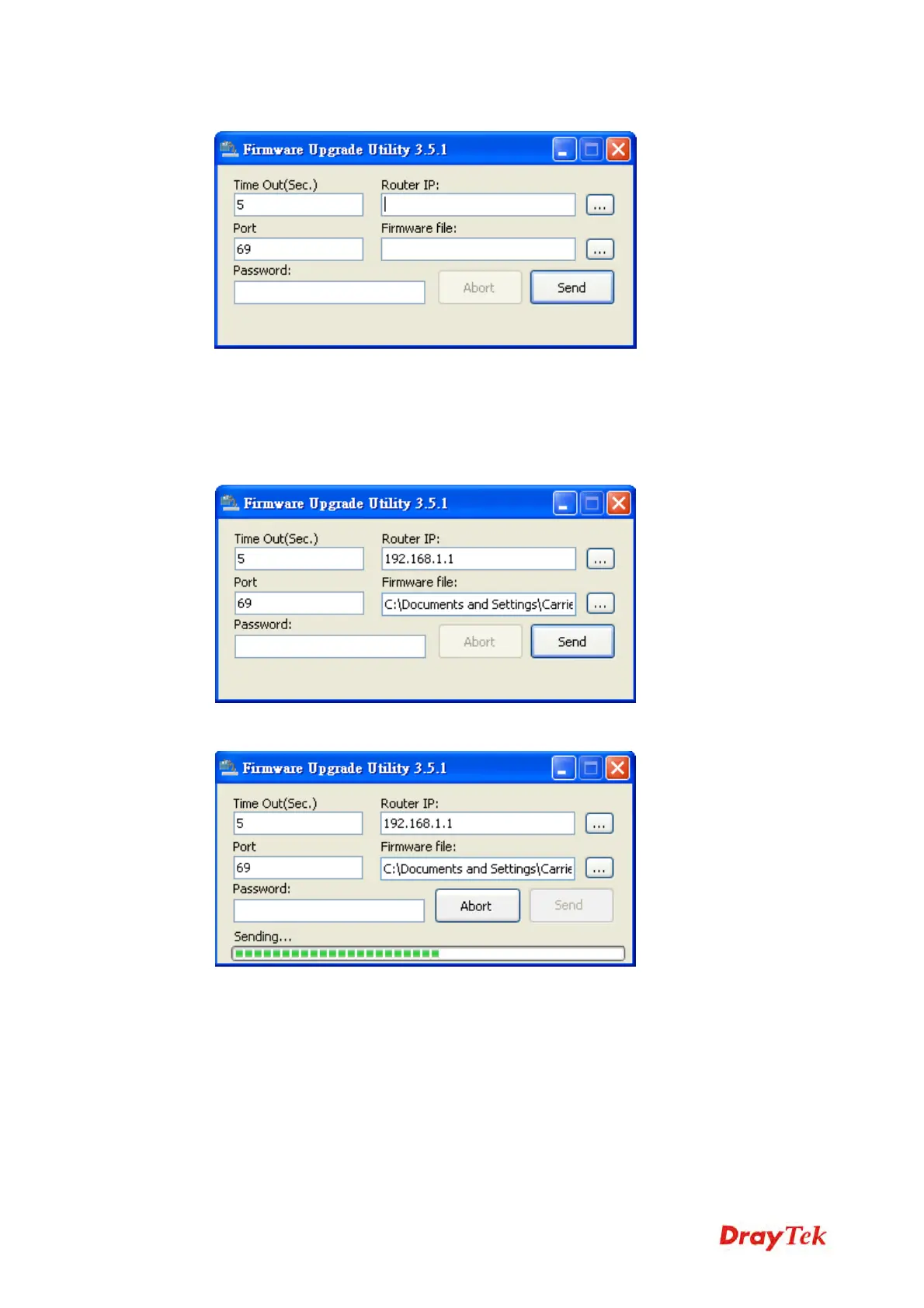
8. Type in your modem IP, usually 192.168.1.1.
9. Click the button to the right side of Firmware file typing box. Locate the files that you
download from the company web sites. You will find out two files with different
extension names, xxxx.all (keep the old custom settings) and xxxx.rst (reset all the
custom settings to default settings). Choose any one of them that you need.
10. Click Send.
11. Now the firmware update is finished.



 To Next Page