Vigor2120 Series Quick Start Guide
4
1
1
.
.
1
1
.
.
2
2
F
F
o
o
r
r
V
V
i
i
g
g
o
o
r
r
2
2
1
1
2
2
0
0
n
n
-
-
p
p
l
l
u
u
s
s
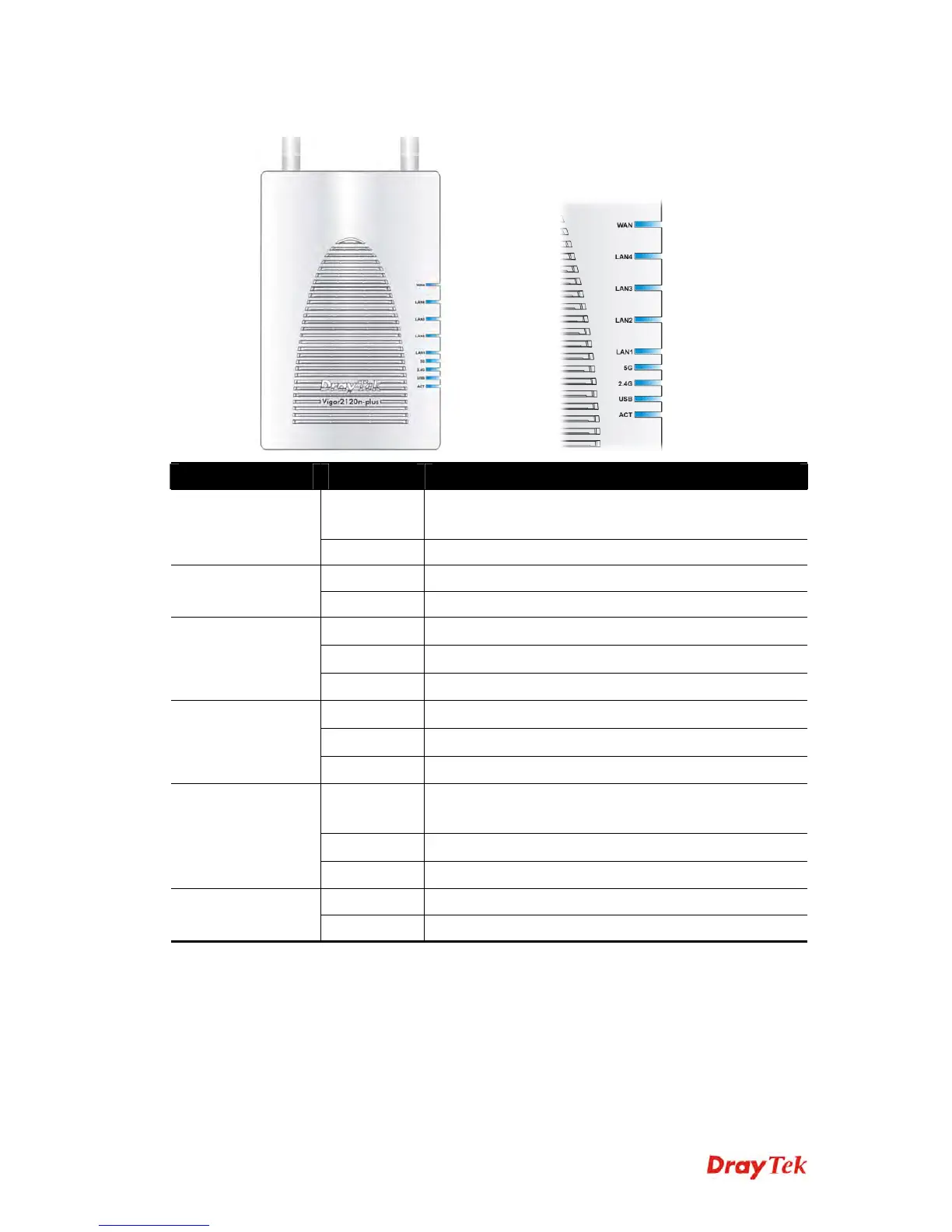
LED Status Explanation
Blinking The router is powered on and running
normally.
ACT (Activity)
Off The router is powered off.
On A USB device is connected and active.
USB
Blinking The data is transmitting.
On Wireless function is ready.
Off Wireless function is not ready.
2.4G
Blinking Data is transmitting (sending/receiving).
On Wireless function is ready.
Off Wireless function is not ready.
5G
Blinking Data is transmitting (sending/receiving).
On A normal connection is through its
corresponding
port.
Off LAN is disconnected.
LAN 1 - 4
Blinking Data is transmitting (sending/receiving).
On The WAN port is connected. WAN
Blinking It will blink while transmitting data.















 To Next Page