3
3
.
.
2
2
W
W
i
i
r
r
e
e
l
l
e
e
s
s
s
s
L
L
A
A
N
N
S
S
e
e
t
t
t
t
i
i
n
n
g
g
s
s
(
(
f
f
o
o
r
r
V
V
i
i
g
g
o
o
r
r
2
2
7
7
0
0
0
0
G
G
e
e
o
o
n
n
l
l
y
y
)
)
For the user of Vigor2700e, please skip this section.
For operating Vigor2700Ge Series well, it is necessary for you to set the wireless LAN
settings for using wireless function. Please read the following section carefully for
configuring the settings for this router.
(The default value of Frequency Domain was set by factory depends on the reselling
region.)
3
3
.
.
2
2
.
.
1
1
B
B
a
a
s
s
i
i
c
c
W
W
i
i
r
r
e
e
l
l
e
e
s
s
s
s
L
L
A
A
N
N
C
C
o
o
n
n
c
c
e
e
p
p
t
t
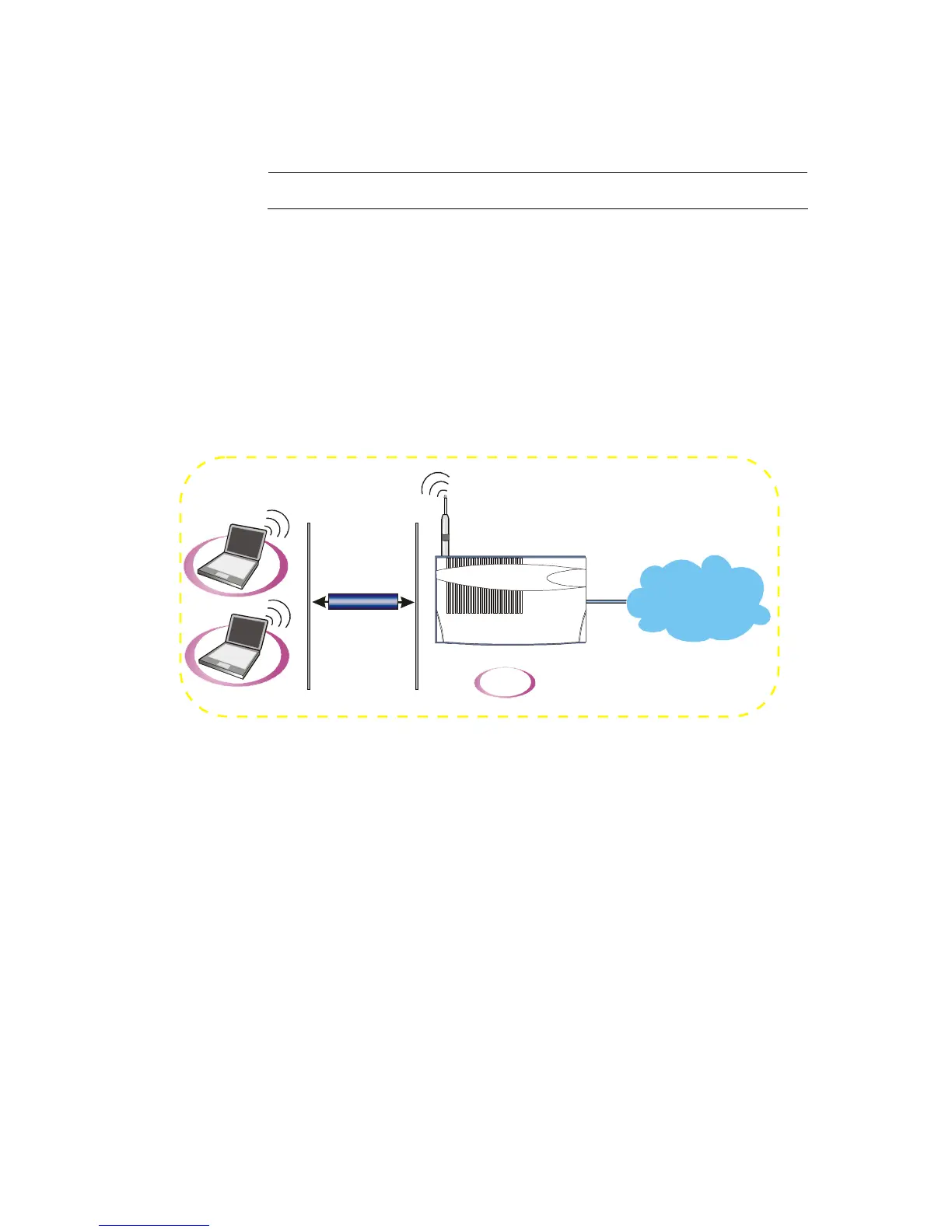
In an Infrastructure Mode of wireless network, Vigor wireless router plays a role as an
Access Point (AP) connecting to lots of wireless clients or Stations (STA). All the STAs
will share the same Internet connection with other wired hosts via Vigor wireless router.
WPA/WPA2











 To Next Page