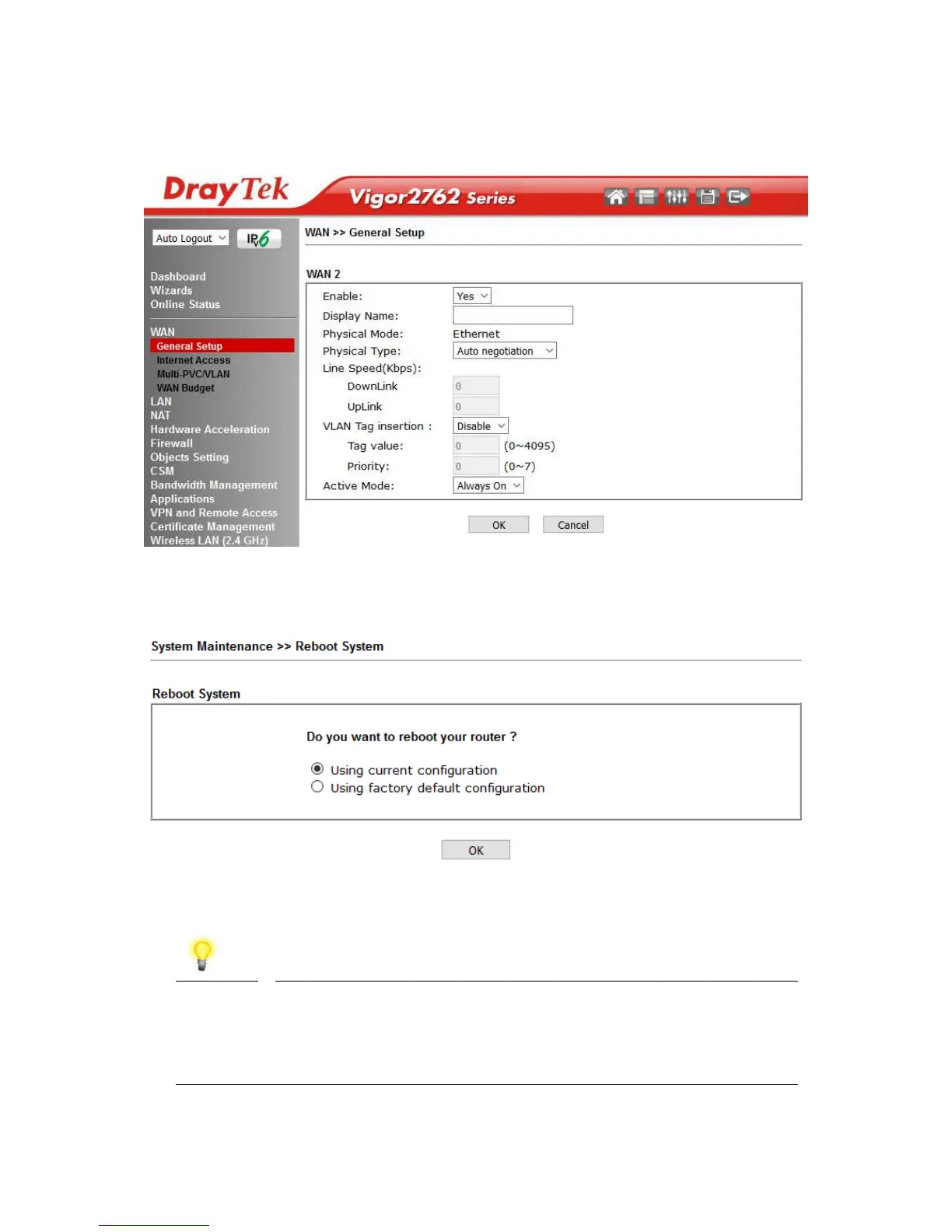
3. Set the Enable option for WAN2 to Yes, this enables the other options on this page.
Set the Active Mode to Always On to make the Ethernet port the active Internet
connection.
4. Click OK to apply the change and the router will prompt to restart. Click OK to
restart the router.
Once the router has restarted, the WAN2 – Ethernet WAN interface can be configured
on the router, as shown in the following two sections.
Note
To reconfigure the GigaLAN4 port for LAN use, go to [WAN] >
[General Setup] > [WAN2] and set the Enable option to No.
Once the router has been restarted to apply the change, the
port will operate in LAN mode.










 To Next Page