Vigor2950 Series User’s Guide
169
3
3
.
.
1
1
5
5
.
.
1
1
0
0
T
T
r
r
a
a
c
c
e
e
R
R
o
o
u
u
t
t
e
e
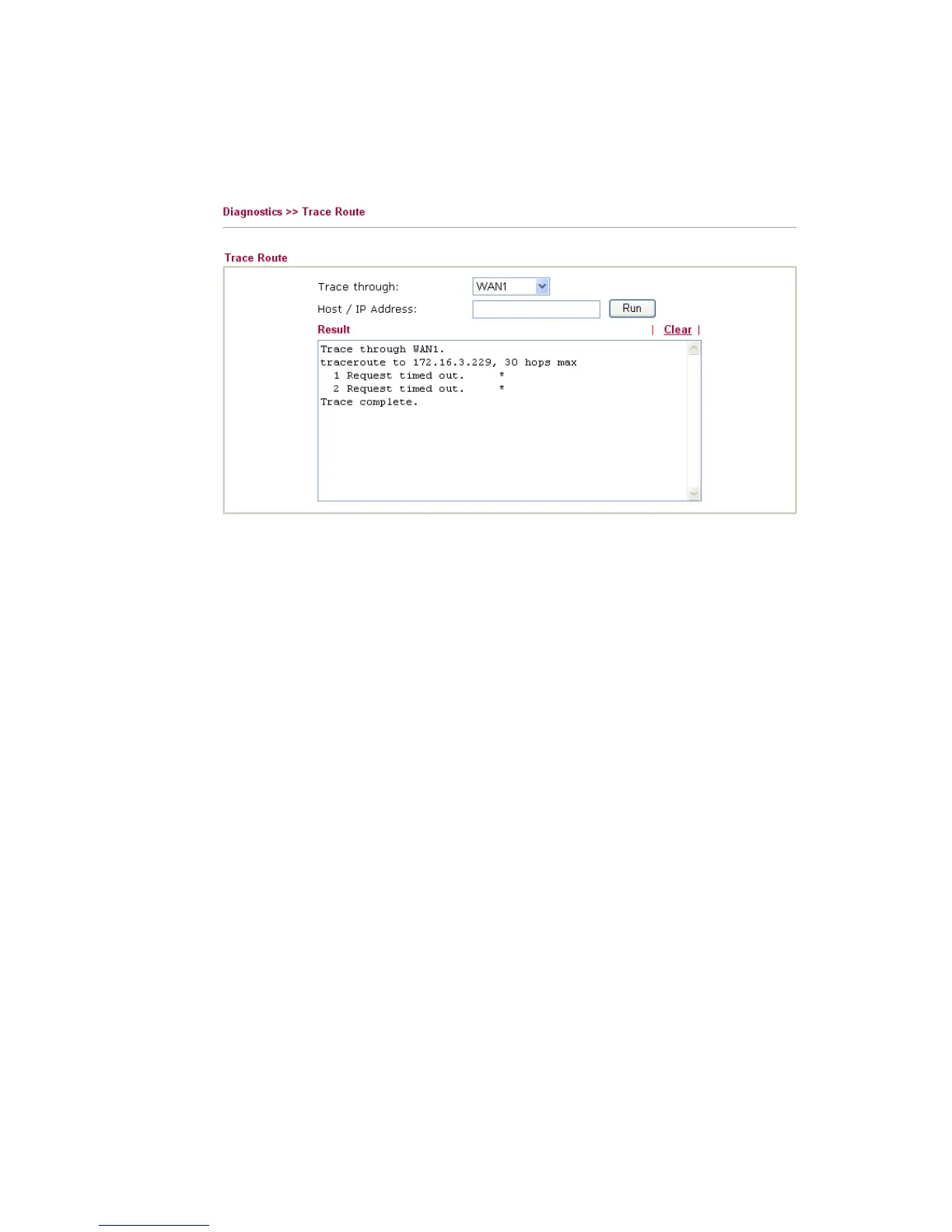
Click Diagnostics and click Trace Route to open the web page. This page allows you to
trace the routes from router to the host. Simply type the IP address of the host in the box and
click Run. The result of route trace will be shown on the screen.
Trace through Use the drop down list to choose the WAN interface that you want
to ping through or choose Unspecified to be determined by the
router automatically.
Host/IP Address It indicates the IP address of the host.
Run Click this button to start route tracing work.
Clear Click this link to remove the result on the window.













 To Next Page