Vigor2950 Series User’s Guide
182
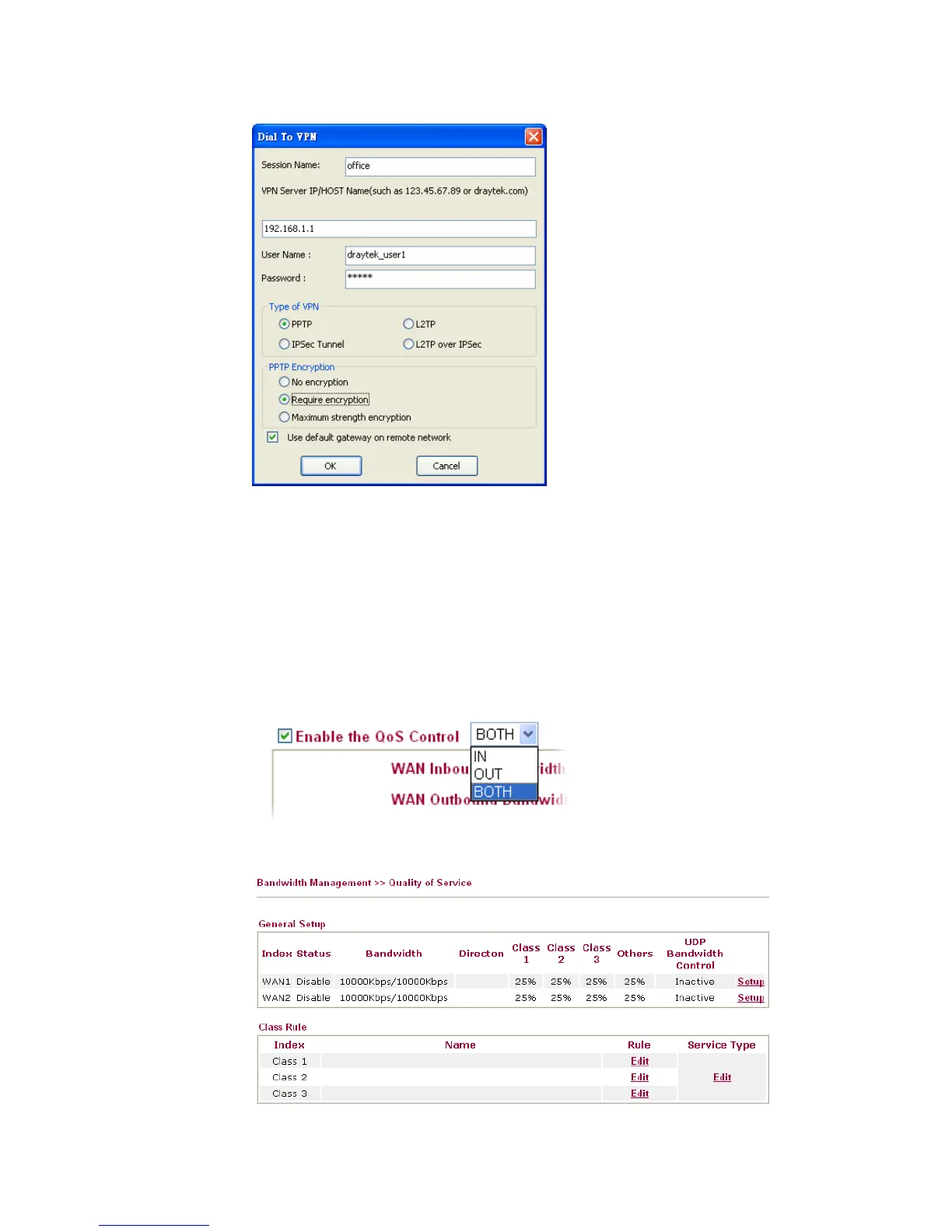
4. Click Connect button to build connection. When the connection is successful, you will
find a green light on the right down corner.
4
4
.
.
3
3
Q
Q
o
o
S
S
S
S
e
e
t
t
t
t
i
i
n
n
g
g
E
E
x
x
a
a
m
m
p
p
l
l
e
e
Assume a teleworker sometimes works at home and takes care of children. When working
time, he would use Vigor router at home to connect to the server in the headquater office
downtown via either HTTPS or VPN to check email and access internal database.
Meanwhile, children may chat on VoIP or Skype in the restroom.
1. Make sure the QoS Control on the left corner is checked. And select BOTH in
Direction.
2. Enter the Name of Index Class 1 by clicking Edit link. In this index, the user will set
reserve bandwidth for Email using protocol POP3 and SMTP.













 To Next Page