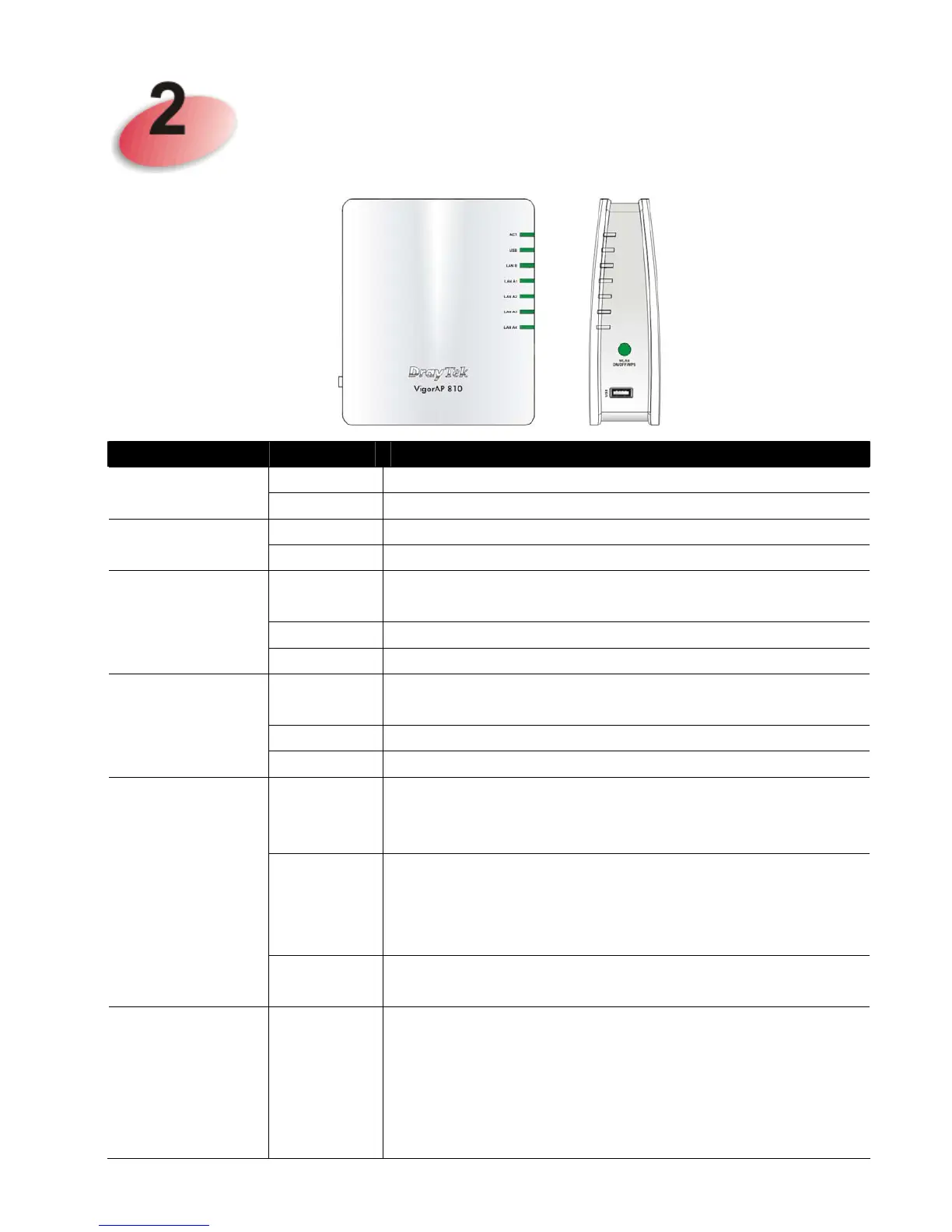
Descriptions of Components
LED Status Explanation
Off The system is not ready or is failed. ACT
Blinking The system is ready and can work normally.
On A USB device is connected and active. USB
Blinking The data is transmitting.
On A normal connection is through its corresponding
port.
Off LAN is disconnected.
LAN B
Blinking Data is transmitting (sending/receiving).
On A normal connection is through its corresponding
port.
Off LAN is disconnected.
LAN A1 - A4
Blinking Data is transmitting (sending/receiving).
On Press the button and release it within 2 seconds.
When the wireless function is ready, the green LED
will be on.
Off Press the button and release it within 2 seconds to
turn off the WLAN function.
When the wireless function is not ready, the LED
will be off.
WLAN
(Green LED)
on WLAN
button
Blinking
(Green)
Data is transmitting (sending/receiving).
WPS
(Orange LED)
on WLAN
button
Blinking
(
Orange
)
When WPS function is enabled by web user
interface, press this button for more than 2 seconds to
wait for client’s device making
network connection
through WPS.
When the orange LED blinks with 1 second cycle for
2 minutes, it means that the AP is waiting for












 To Next Page