Non-recurring From / To It is available when Non-Recurring is selected as Daylight
Saving Time.
From - Specify the starting time of non-recurring daylight
saving time.
To - Specify the ending time of recurring daylight saving time.
Apply Save the settings or changes to the switch.
System Time Zone
Informations
Display the status of system time zone.
V
V
I
I
-
-
4
4
-
-
2
2
T
T
i
i
m
m
e
e
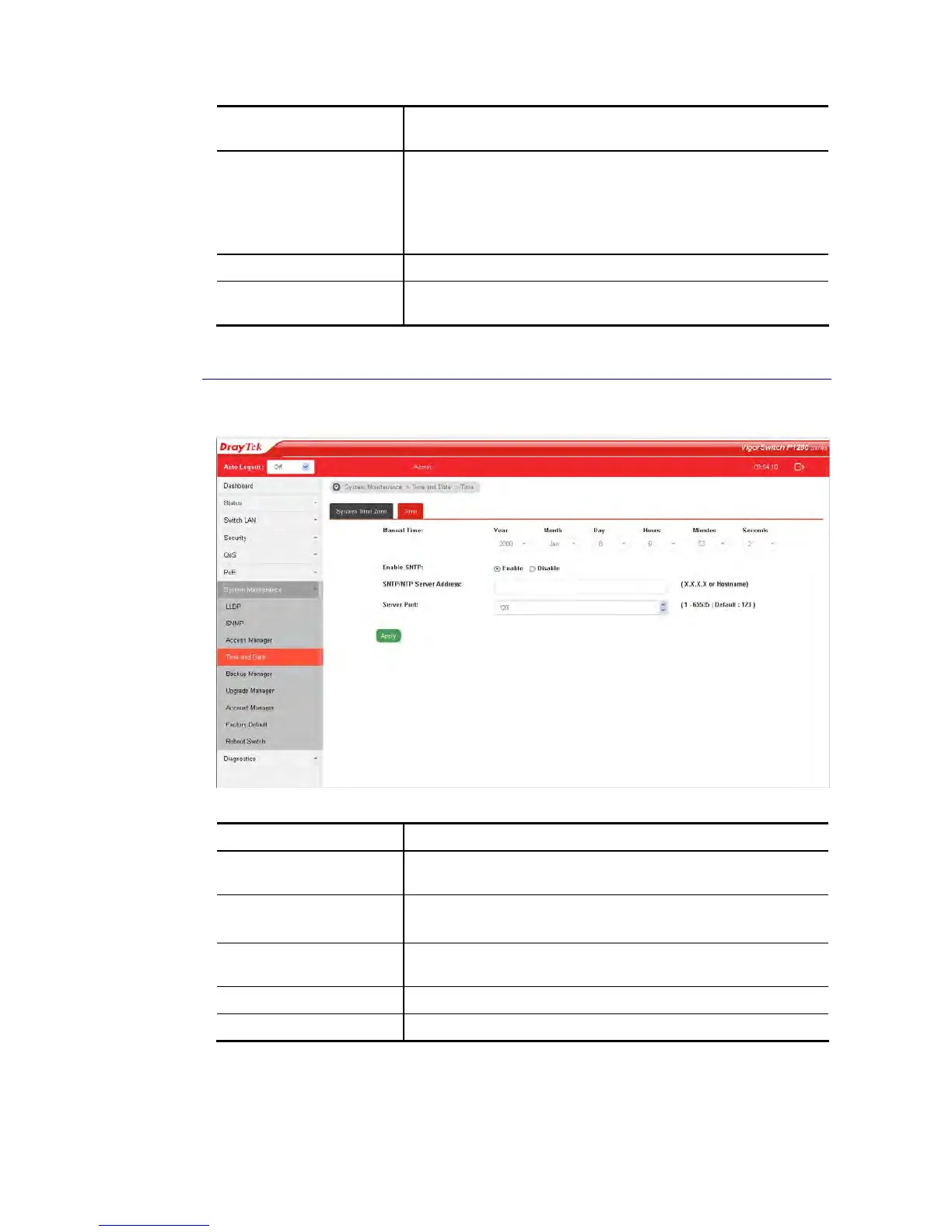
Available settings are explained as follows:
Item Description
Manual Time Specify static time (year, month, day, hours, miniutes and
seconds) manually.
Enable SNTP Enable – Click it to enable SNTP time server.
Disable – Click to disable the time server.
SNTP/NTP Server
Address
Enter the web site of the time server or the IP address of the
server.
Server Port Enter the port number use by the time server.
Apply Save the settings or changes to the switch.















 To Next Page