3 4
ENEN
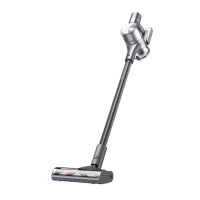
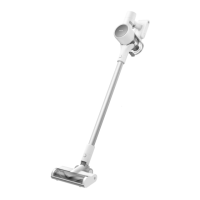
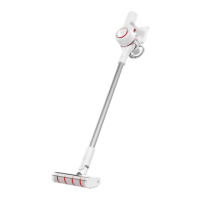
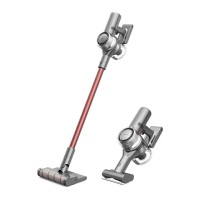
Product Overview
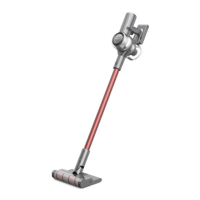
Component Names
Display Screen
Antistatic Contact
Carbon Fiber Rod
Release Button
Brush Release Button
Carbon Fiber Rod
Smart Multi-Surface
Brush
Charging Port
Dust Cup
LED Battery Status Indicator
On/Off Switch
•
Press to turn on
•
Release to turn off
Battery Release Button
Dust Cup Bottom Cover
Release Button
Product Overview
Accessory List
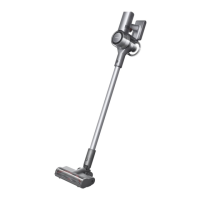
Note: The images in this manual are for illustrative purposes only. The actual product may differ.
2-in-1 Charging & Storage Mount
(Including screws ×2, wall plugs ×2, mounting
template sticker ×1)
Smart Multi-Surface Brush Soft Roller Brush
ChargerFlexible
Combination Tool
Carbon Fiber
Rod
Wide Combination ToolFlexible Adapter Motorized Mini-Brush



 To Next Page
 Loading...