5 6
ENEN
Installation
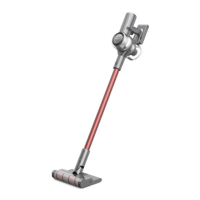
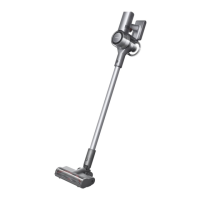
Vacuum Installation Diagram
Click
Product Overview
Introduction of Display Screen
Charging/Low Battery Level Indicator
•
Blinking red: Battery level ≤ 10%
•
Pulsing red: Battery level ≤ 10% (charging)
•
Pulsing green: Battery level > 10% (charging)
Roller Brush Stuck
Air Duct Blocked
High-temperature Alert
Error
Filter uninstalled/Filter is expiring
Suction Level Switch
Lock Status
Press briefly to switch
the suction level.
Suction Level/Dust Level
Trigger Switch Lock
Press briefly to enter/
exit lock.
•
Red: High
•
Orange: Med
•
Green: Low
The color of fan-shaped icon
changes with the amount of
dust in real time.
Battery Level Percentage
When the display shows "LO",
it indicates that the battery
level is lower than 10%.



 To Next Page
 Loading...