9 10
ENEN
Using Different Accessories
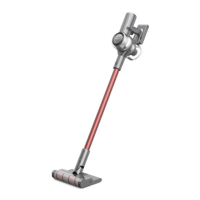
Smart Multi-Surface Brush
-
Suitable for vacuuming on the med/low
pile carpets, tiles and floors.
-
For vacuuming large particles by turning
on the switch on the brush, such as
coffee beans, corn flakes and etc.
How to Use
• The smart multi-surface brush can be attached directly to the vacuum.
• When the appliance starts, the lights in front of the brush roller will automatically turn
on, which is convenient for use.
Note:
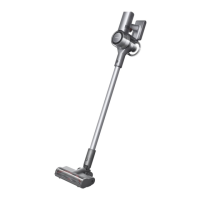
Soft Roller Brush
Suitable for cleaning hard floors such as
marble and floors.
Wide Combination Tool
For vacuuming dust from curtains,
keyboards, ceilings, sofas, vehicle interiors,
coffee tables, etc.
How to Use
Working Methods
• In this mode, briefly press the on/off switch to suspend the operation or start again and the
working mode of the vacuum will not change.
• Press the trigger switch lock again to quit Continuous Cleaning Mode.
Note:
Select from two working methods for the vacuum, which can be selected based on your
own needs.
Switching Suction Level
Press the button to switch levels between auto and turbo.
When in Turbo Mode, all fan-shaped icons will light up in white.
Only in Auto Mode, the suction level and the color of fan-shaped icon change with the
amount of inhaled dust.
Method 1: Discontinuous Cleaning Mode
Press and hold the switch of the vacuum to enable this mode, and release it to stop
immediately.
Method 2: Continuous Cleaning Mode (Trigger Switch Lock)
Press the trigger switch lock to switch to Continuous Cleaning Mode, and then briefly
press the on/off switch to keep the vacuum in Continuous Cleaning Mode.
Use the trigger switch lock to free your fingers from fatigue caused by holding the switch.



 To Next Page
 Loading...