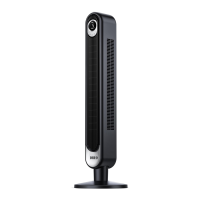
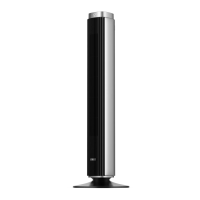
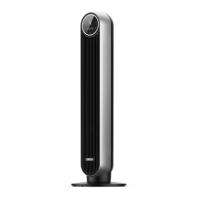
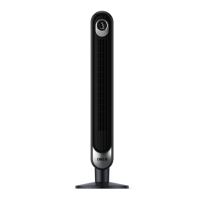
Need help?
Do you have a question about the dreo DR-HAF002 and is the answer not in the manual?
Covers safe usage by children and general precautions for operating the appliance.
Details safe placement, handling, and environmental conditions for fan operation.
Outlines precautions related to electrical connections, cords, and plugs to prevent shock.
Lists key technical details including model, input voltage, and rated power.
Lists all items included in the product packaging for user verification.
Explains optimal placement for air circulation with AC, heaters, and for general ventilation.
Provides step-by-step guidance for securely mounting the fan on a wall.
Details how to use the control knob for speed adjustment and tilt the fan head.
Instructions for gently wiping the fan's exterior with a soft, dry cloth.
Steps for safely removing and cleaning the front grille and fan blades.
Guides on how to safely identify, remove, and replace a blown fuse in the appliance's plug.
Addresses common problems like the fan not turning on, shakiness, vibration, and noise.
Details the default 12-month warranty and how to extend it, including warranty exclusions.
Provides contact details like phone number, email, and website for expert support.


 To Next Page
 General