deutsch
english
31
français
30
PCU LED N
2
30 31
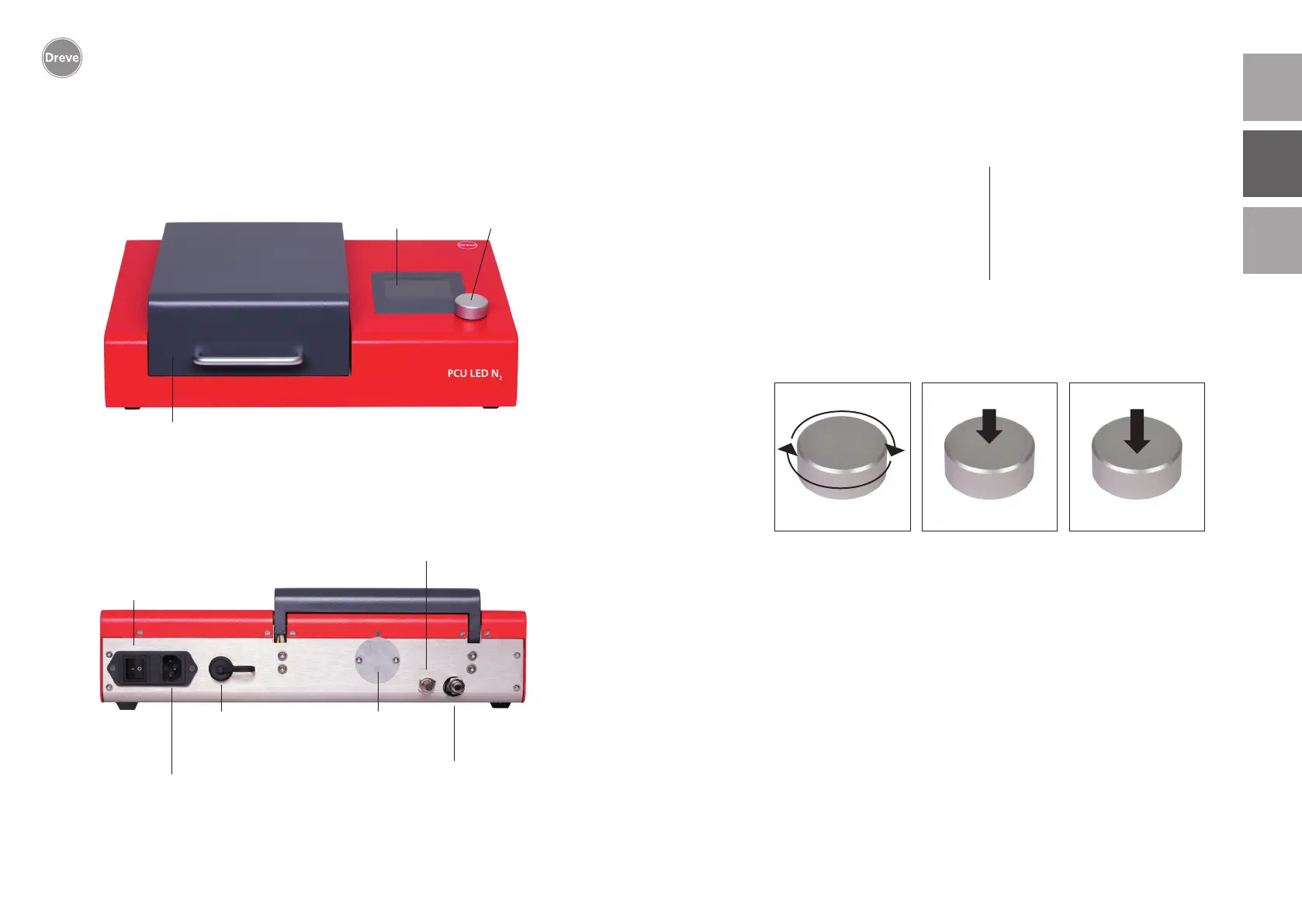
7. Functional elements 8.1. Operation: Starting the device
8.2. Functions of the rotary button
The software of the PCU LED N
2
is sub-
divided into two levels: The first level is
the user level, where the operator can
select and confirm different options.
The second level is the process owner
level, where the process owner can per-
form different device configurations.
(1) Switching on the power plug at the
back of the device brings you directly
to the user level.
(2) Switching on the power switch at
the back of the device and the simul-
taneous pressing of the operating
button brings you to the process level.
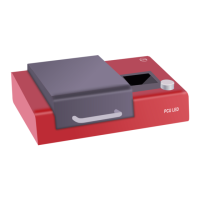
Overview
Display
Lid
Input Button
Rear view
Control needle valve for nitrogen flushing
Power supply connector socket
USB connection
Main switch
Nitrogen connection for
nitrogen variant of the PCU LED N
2
Sluice to the
exposure chamber
Confirmation
Selection of the sub-menu
> 5 seconds
Selection


 To Next Page