LT-2334
7
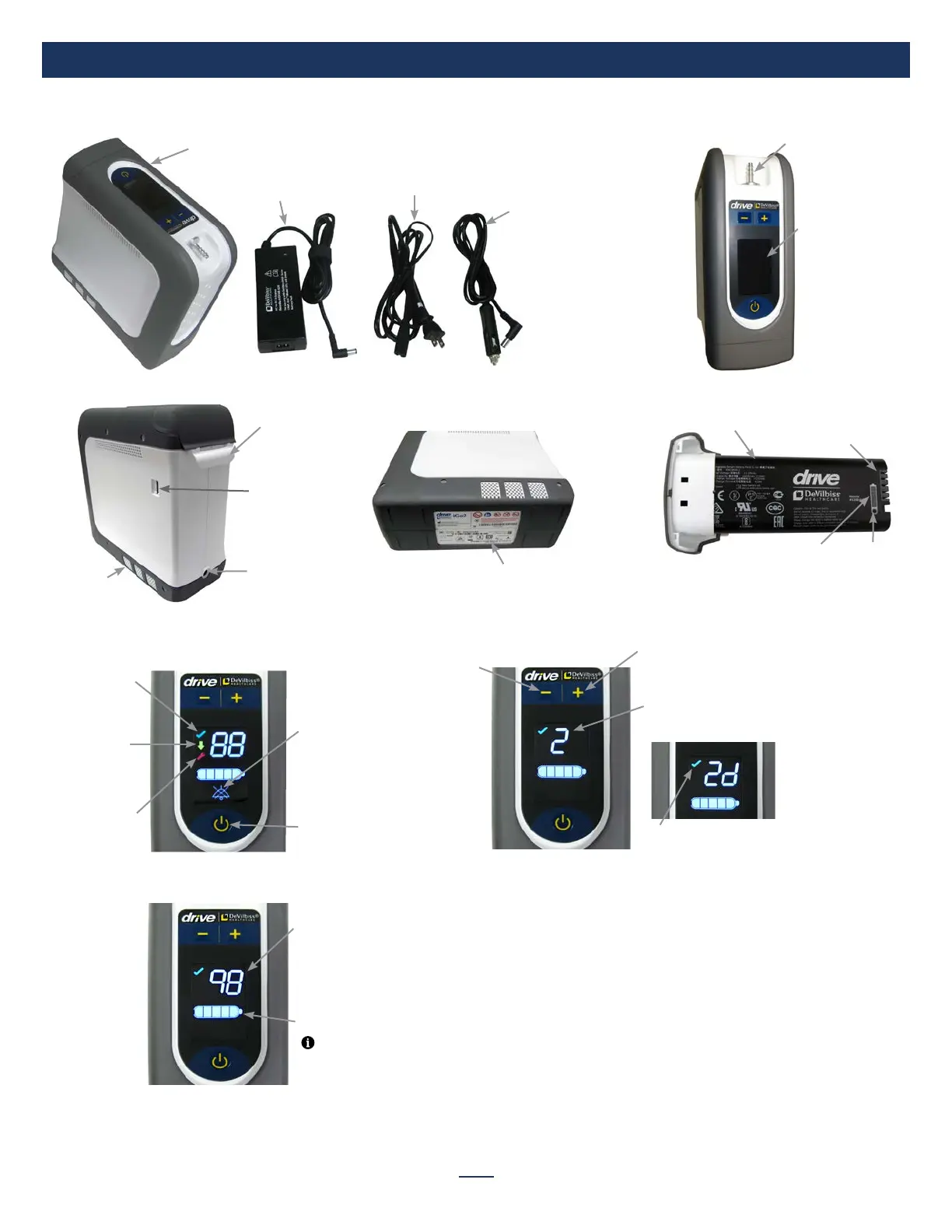
IMPORTANT PARTS
SmartDose Mode:
(2 digit field). The device has 4 oxygen settings of 1d
through 4d where the d indicates SmartDose is enabled
Control Panel Overview
Low Oxygen
Symbol (yellow)–
below an
acceptable
oxygen level
Service Required
Symbol (red) –
contact your
provider when
illuminated
Normal Oxygen
Symbol (green) –
acceptable
oxygen level
Power Button
Battery Status Indicator
Audible Alarm
Silenced symbol (illu-
minates when audible
alarm has been
silenced by pressing
the power button)
Prescription Setting
Standard Mode:
(1 digit field). The device has 5 oxygen
settings of 1 through 5.
Battery charge remaining
percentage (2-digit field) –
shows remaining charge as
percentage (99% max
shown)
Increase Prescription
Setting Button
Initial Startup Screen
NOTE– Press and hold either “+” or “-“ to
see battery charge remaining; display will
return to prescription setting in a few seconds.
Important Parts of Your Concentrator
Set Up and Operating Instructions
Refer to the instruction guide for set up and operating instructions.
Control
Panel
Oxygen
Outlet Port
Exhaust Vents
(both sides)
Battery/
Battery Bay
Power Input
USB Port
(not for
patient use)
Serial Number/
Rating Label
Battery
Battery Charge
Status Gauge
Charge
Status
Button
Battery
Connection
Terminals
Decrease Prescription
Setting Button
DC Power Cord
(Auto Adapter)
AC Power Cord
Power Supply
(AC/DC Adapter)
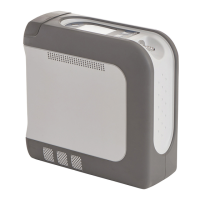
Drive DeVilbiss iGo2 Portable Oxygen Concentrator


 To Next Page