Trident Owner’s Manual www.drivemedical.com
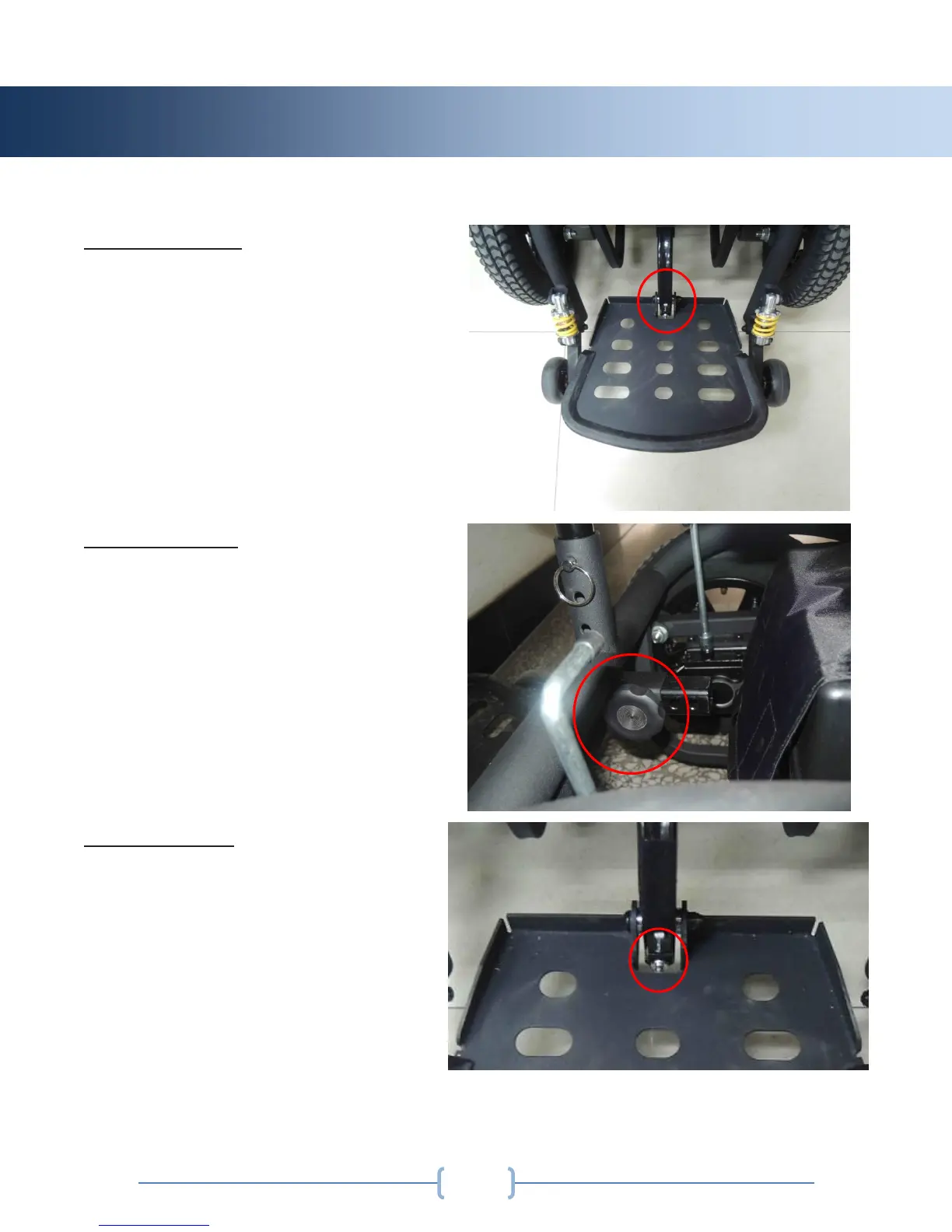
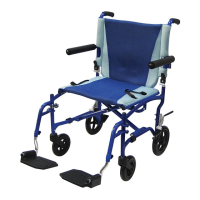
Footplate Height:
The footplate height can be adjusted
by loosening the nut and bolt
attaching the footplate to the height
adjustment point on the frame of the
power wheelchair. Reposition the
footplate to the desired height, and
securely fasten the nut and bolt back
in place.
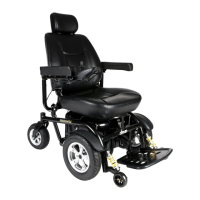
Footplate Depth:
The footplate depth can be adjusted
by loosening the star knob attaching
the footplate to the frame of the
power wheelchair. Reposition the
footplate to the desired depth, and
securely fasten the star knob back in
place.
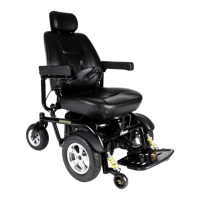
Footplate Angle:
The footplate angle can be adjusted
by lifting up on the footplate, and
tightening or loosening the bolt under
the footplate. Tightening will lower
the angle, and loosening will raise the
angle of the footplate.



 To Next Page