EasyManua.ls Logo

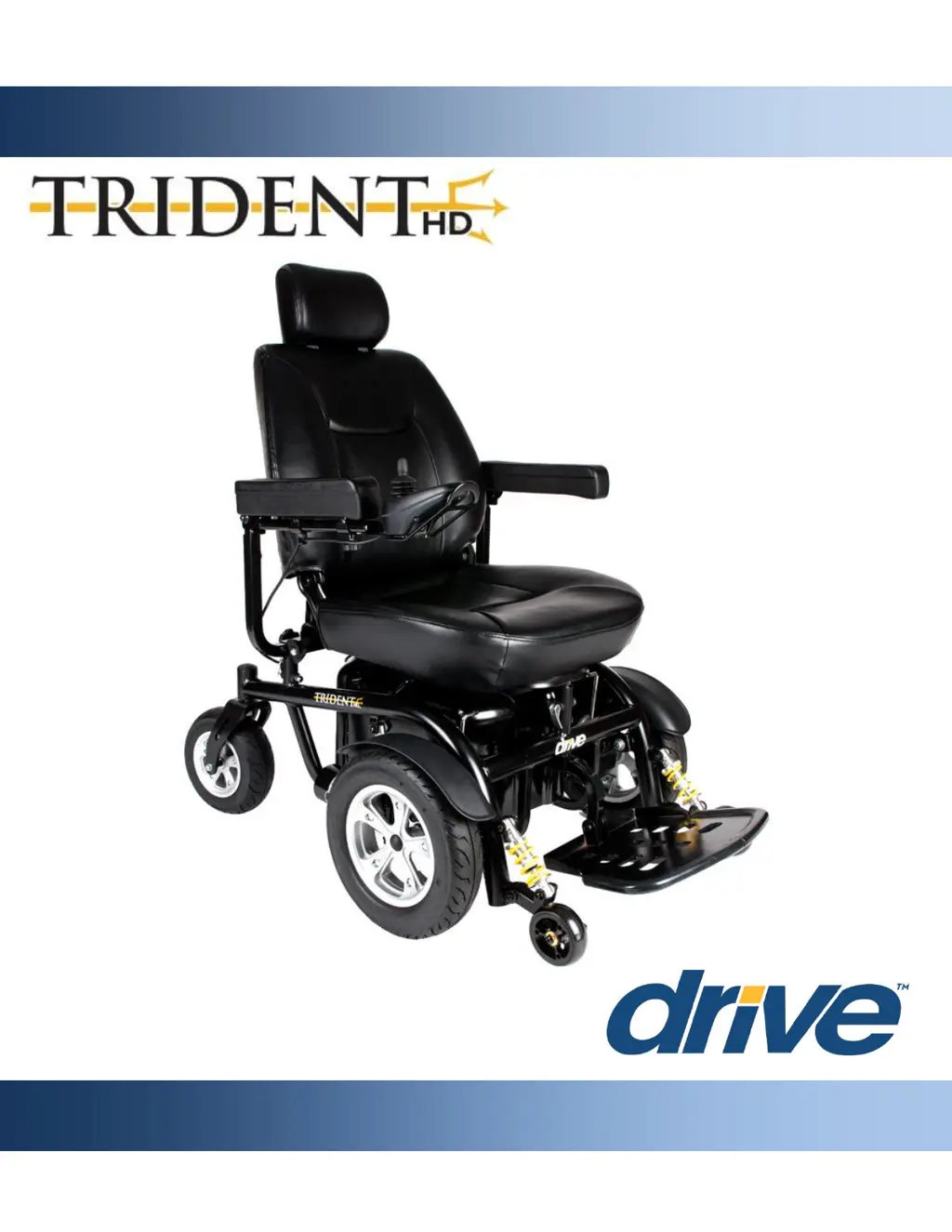
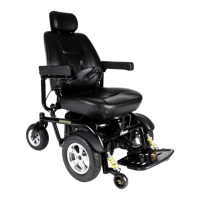
Drive TRIDENT HD - User Manual

Drive TRIDENT HD
36 pages
Print Icon
To Next Page IconTo Next Page
Loading...
TRIDENT HD
OWNER’S MANUAL

Questions and Answers

  • E
    Elizabeth WilliamsAug 13, 2025
    What to do if my Drive TRIDENT HD Wheelchair shows a battery fault?
    • M
      michaeljacksonAug 13, 2025
      If your Drive Wheelchair indicates a battery fault, begin by charging the batteries. Then, carefully inspect the battery cables and connections to ensure they are secure and in good condition. Also check all connections if there is excessive battery voltage.
  • C
    Christine FitzpatrickAug 17, 2025
    What to do if my Drive TRIDENT HD Wheelchair has a power module fault?
    • A
      Adam JenningsAug 17, 2025
      If your Drive Wheelchair is showing a power module fault, check all electrical connections and leads to ensure they are securely connected.
  • Y
    yalvarezAug 20, 2025
    What to do if my Drive TRIDENT HD shows a park brake fault?
    • S
      smithericAug 20, 2025
      If your Drive Wheelchair indicates a park brake fault, ensure the freewheel levers are in 'drive' mode. Also, check the parking brake connections to make sure they are properly connected.
  • X
    xnguyenAug 25, 2025
    What to do if my Drive TRIDENT HD's joystick has a fault?
    • M
      Marcus OwensAug 26, 2025
      If your Drive Wheelchair's joystick is showing a fault, make sure the joystick is in the center position before powering on the power wheelchair.
  • J
    jacqueline35Aug 28, 2025
    What to do if my Drive Wheelchair has a left motor fault?
    • A
      Anna CarneyAug 28, 2025
      If your Drive Wheelchair displays a left motor fault, check the motor connections and leads between the left motor and the power module.
  • S
    snyderdarleneSep 1, 2025
    What to do if my Drive TRIDENT HD has a right motor fault?
    • E
      ethan07Sep 1, 2025
      If your Drive Wheelchair displays a right motor fault, check the motor connections and leads between the right motor and the power module.
  • M
    Michelle LongSep 5, 2025
    What to do if my Drive TRIDENT HD has a charger inhibit?
    • W
      whitemonicaSep 5, 2025
      If your Drive Wheelchair indicates a charger inhibit, disconnect the battery charger from the controller.
  • K
    Kenneth MeyersSep 8, 2025
    What to do if there is a wiring issue with the left motor of my Drive Wheelchair?
    • C
      Chloe GriffinSep 8, 2025
      If you suspect a wiring issue with the left motor of your Drive Wheelchair, check all connections and leads between the left motor and the battery.

Summary

Preface

Safety Notices

Safety Guidelines

General Guidelines

General advice for operating the power wheelchair safely and effectively.

Modifications

Guidance on modifying the power wheelchair and its implications.

Safety Check

Essential pre-operation inspection of key components for safety.

Weight Capacity

Maximum weight the power wheelchair can safely support.

Incline Guidelines

Precautions for safely navigating inclines and declines.

Freewheel Guidelines

Safe operation and use of freewheel mode.

Brakes & Stopping

Information on how the power wheelchair stops and its braking systems.

Outdoor Operation & Inclement Weather Precautions

Advisories for using the power wheelchair outdoors and in bad weather.

Steps, Curbs & Fixed Obstacles

How to safely navigate obstacles like curbs and steps.

Transporting Your Power Wheelchair

Proper procedures for transporting the power wheelchair in vehicles.

Safety Belt

Importance and usage guidelines for the included safety belt.

Transfers

Safe methods for transferring to and from the power wheelchair.

Physical Limitations, Rx Drugs, Alcohol & Smoking

Precautions regarding personal condition and substances while operating.

EMI Information

Parts

Assembly

Comfort Adjustments

Seat Height Adjustment

How to adjust the height of the power wheelchair seat.

Joystick Position

How to adjust the position of the joystick controller.

Armrest Height

How to adjust the height of the armrests.

Armrest Width

How to adjust the width of the armrests.

Armrest Angle

How to adjust the angle of the armrests.

Footplate Height

How to adjust the height of the footplate.

Footplate Depth

How to adjust the depth of the footplate.

Footplate Angle

How to adjust the angle of the footplate.

Seat Recline

How to adjust the reclining angle of the seat.

Seat Release

How to release and remove the seat from the base.

Operation

Batteries & Charging

Charging Your Power Wheelchair

Instructions on how to charge the power wheelchair.

Battery Break-In

Procedure for initial battery charging and usage.

Battery Maintenance & Charging Habits

Guidelines for maintaining battery life and charging practices.

Battery Range

Factors affecting battery travel range and tips for maximization.

Public Transportation

Information on transporting the power wheelchair via public transit.

Inspection & Maintenance

General Guidelines

General advice for maintaining the power wheelchair's condition.

Exposure to Moisture

Procedures for drying the power wheelchair after moisture exposure.

Operating Temperatures

Recommended operating temperatures and effects of extremes.

Storage

Guidelines for storing the power wheelchair properly.

Cleaning & Disinfection

Methods for cleaning and disinfecting the power wheelchair.

Disposal of Your Power Wheelchair & Parts

Regulations and procedures for disposing of the power wheelchair.

Contacting Your Authorized Drive Medical Provider

When and how to contact the service provider for issues.

Maintenance Schedule

A schedule for routine inspections and maintenance tasks.

Basic Troubleshooting

Specifications

Limited Warranty

Accessories

Drive TRIDENT HD Specifications

General IconGeneral
Weight Capacity300 lbs
Back Height16 inches
Leg StyleSwing-away, Elevating
UpholsteryNylon
Arm StyleDesk-length or Full-length
Seat Width16", 18", 20"

Related product manuals